Introduction
This article is part 2, part 1 you can find it here: My experience on learning Azure Devops - Part 1: ACR + AKS
In this article, I will show you some little knowledge about Azure DevOps that I learned and try to implement in my lab.
Overview
So I'm gonna use Azure DevOps for this lab. My idea is: Push code → trigger pipeline in Azure DevOps → pipeline will build image -> push ACR -> update gitops repo -> ArgoCD auto sync.
So in this setup ArgoCD is only external component, the rest is managed by Azure!
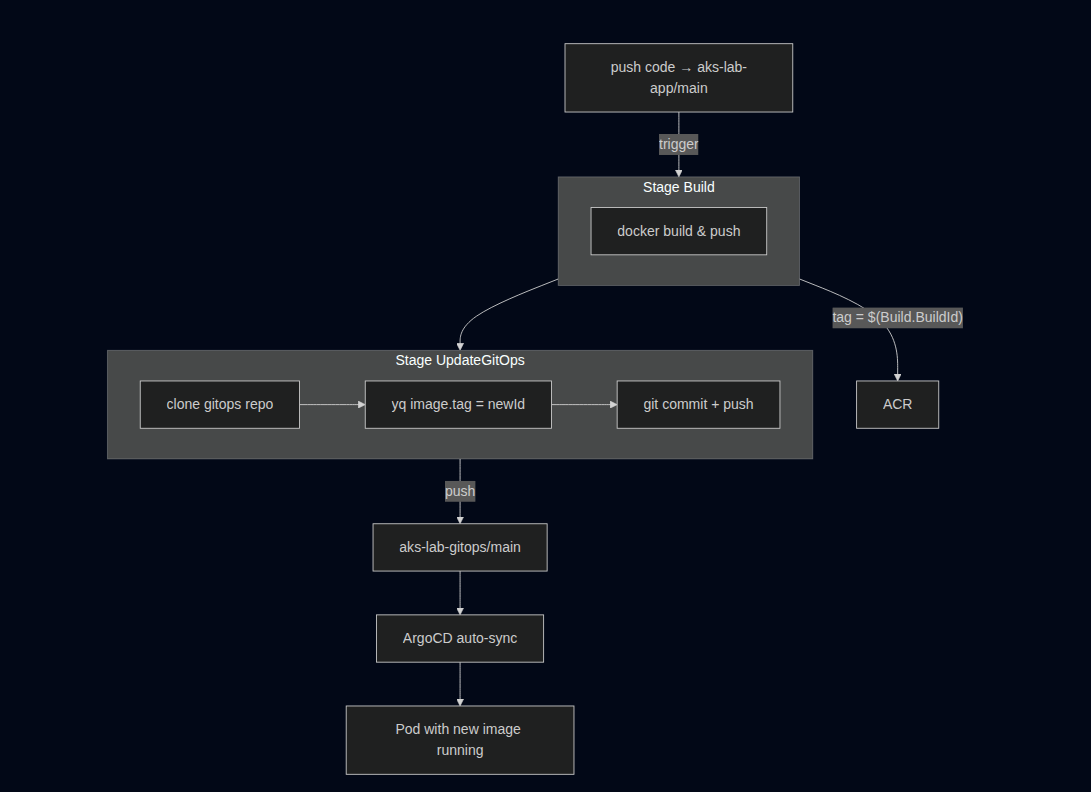
I think this is better diagram xD
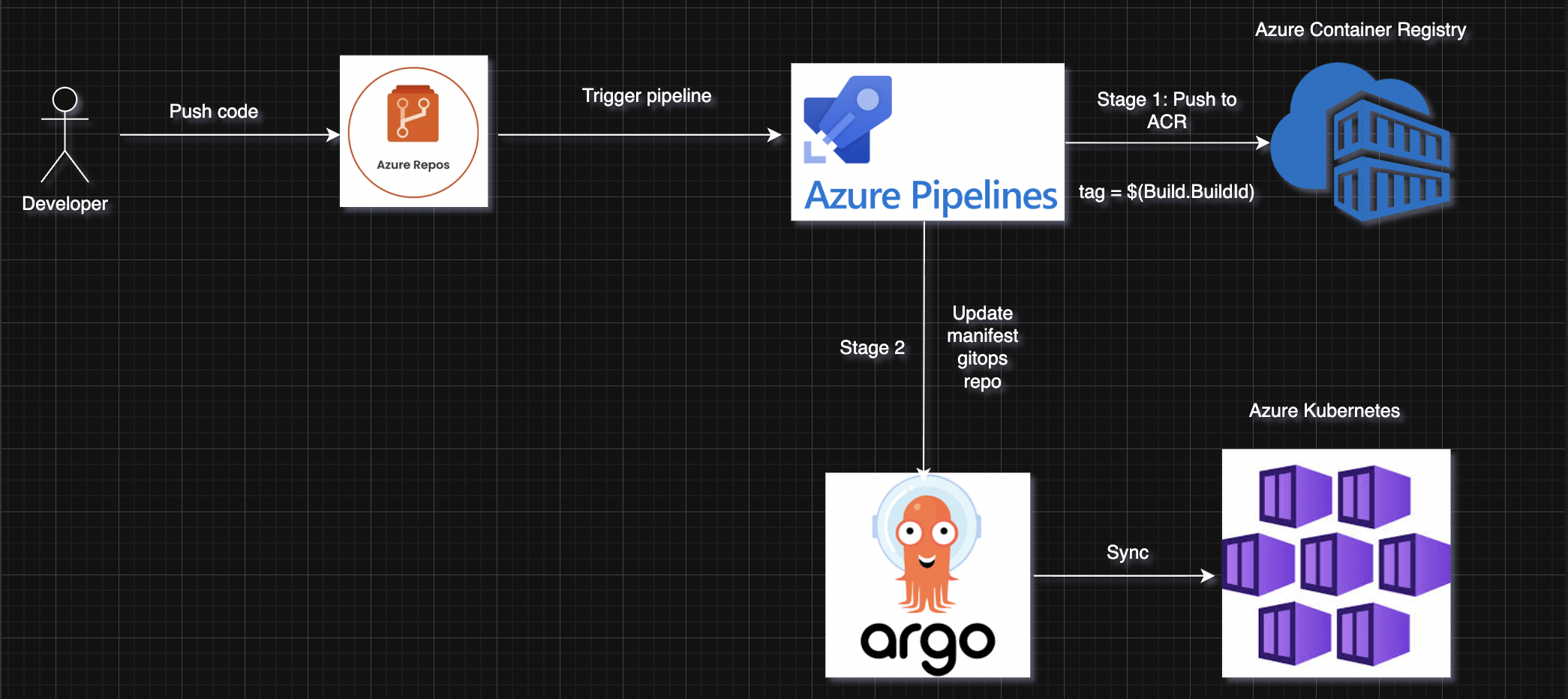
Step 1: Install ArgoCD
For this fucking lab, no HA — just standalone install.
# Create namespace
kubectl create namespace argocd
# Install ArgoCD
kubectl apply -n argocd -f https://raw.githubusercontent.com/argoproj/argo-cd/stable/manifests/install.yaml
Get admin password:
kubectl -n argocd get secret argocd-initial-admin-secret \
    -o jsonpath="{.data.password}" | base64 -d ; echo
Get public IP:
NODE_RG=$(az aks show -g rg-aks-lab -n aks-lab --query nodeResourceGroup -o tsv)
INGRESS_IP=$(az network public-ip show -g $NODE_RG -n pip-ingress --query ipAddress -o tsv)
echo $INGRESS_IP
Manifest for argocd-ingress.yaml:
apiVersion: networking.k8s.io/v1
kind: Ingress
metadata:
  name: argocd-server
  namespace: argocd
  annotations:
    nginx.ingress.kubernetes.io/backend-protocol: "HTTPS"
spec:
  ingressClassName: webapprouting.kubernetes.azure.com
  rules:
  - host: argocd.kienlt.com
    http:
      paths:
      - path: /
        pathType: Prefix
        backend:
          service:
            name: argocd-server
            port:
              number: 443
Apply manifest for argocd ingress: k apply -f argocd-ingress.yaml
Step 2: Azure Repos + Helm chart + ArgoCD Application
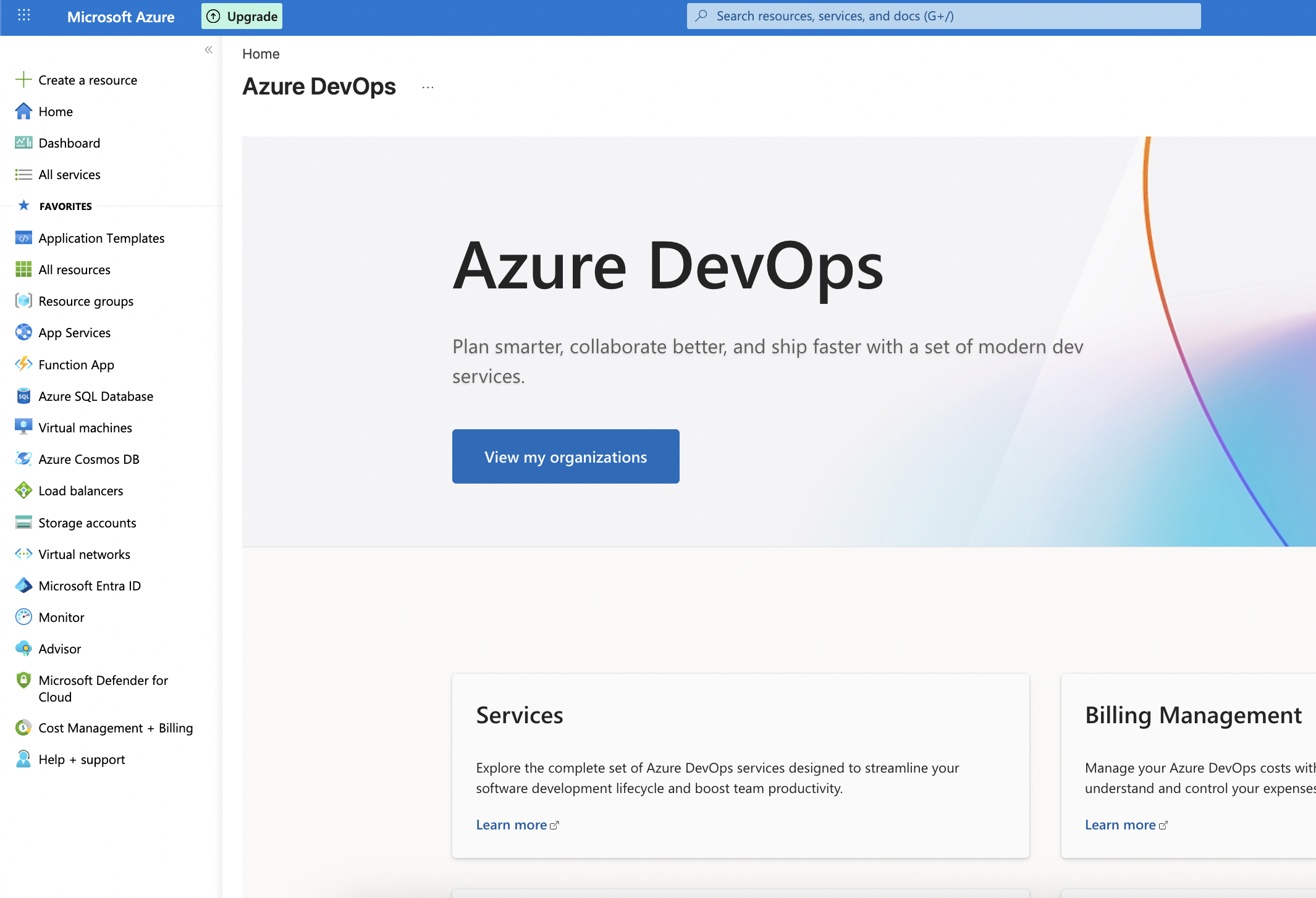
Create Azure DevOps org + project
Create a new Org with your current subscription
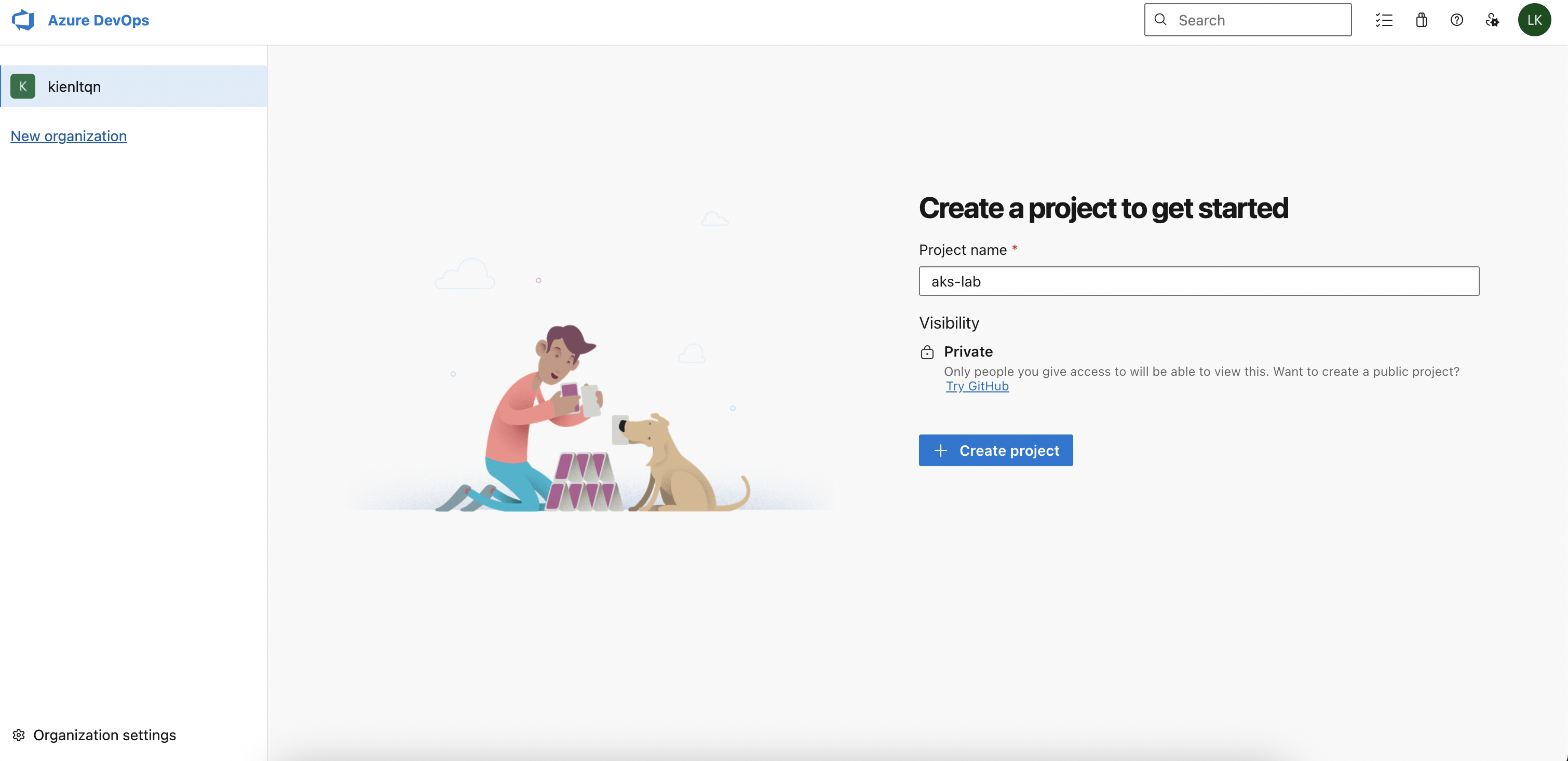
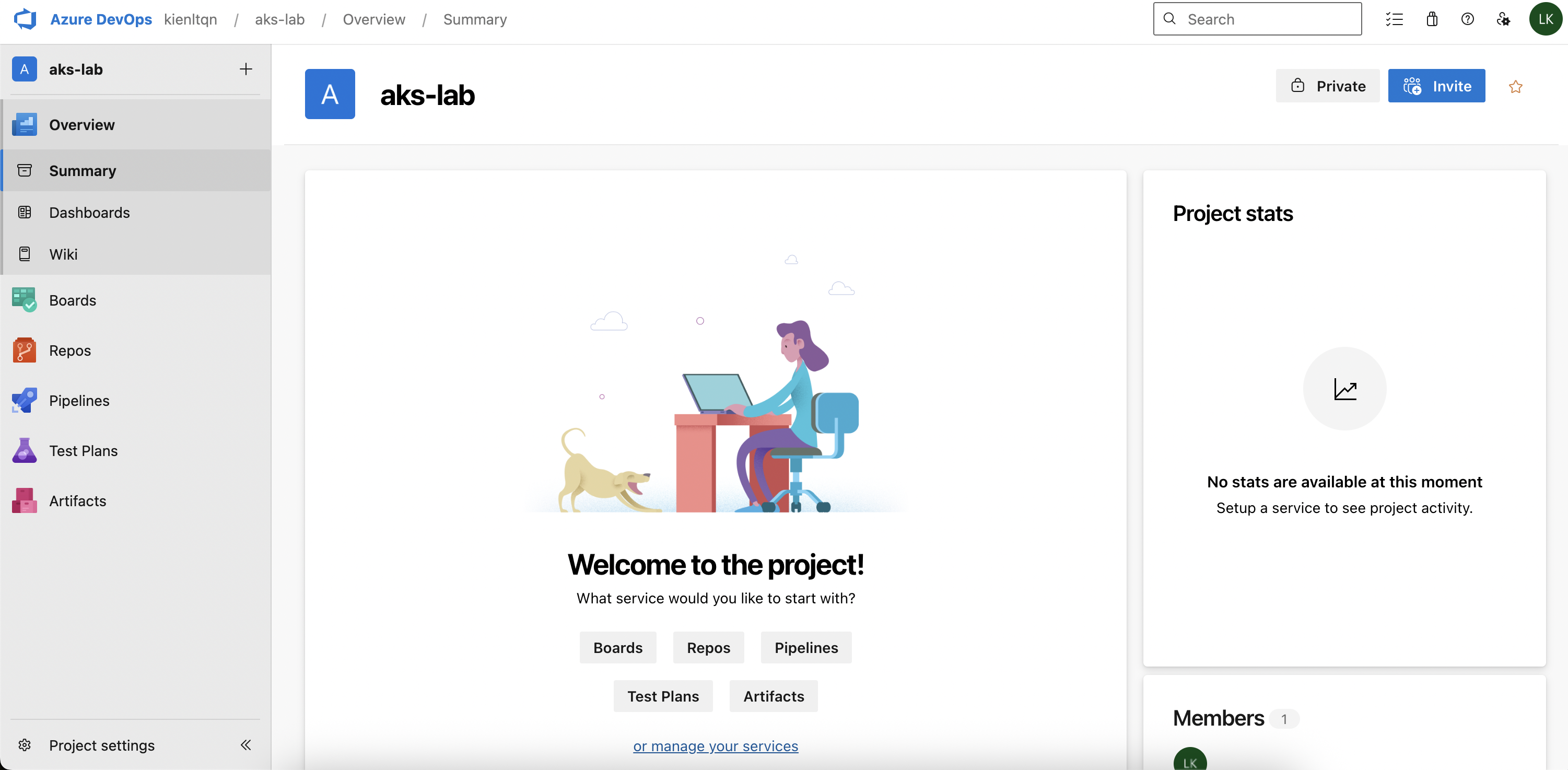
New project aks-lab
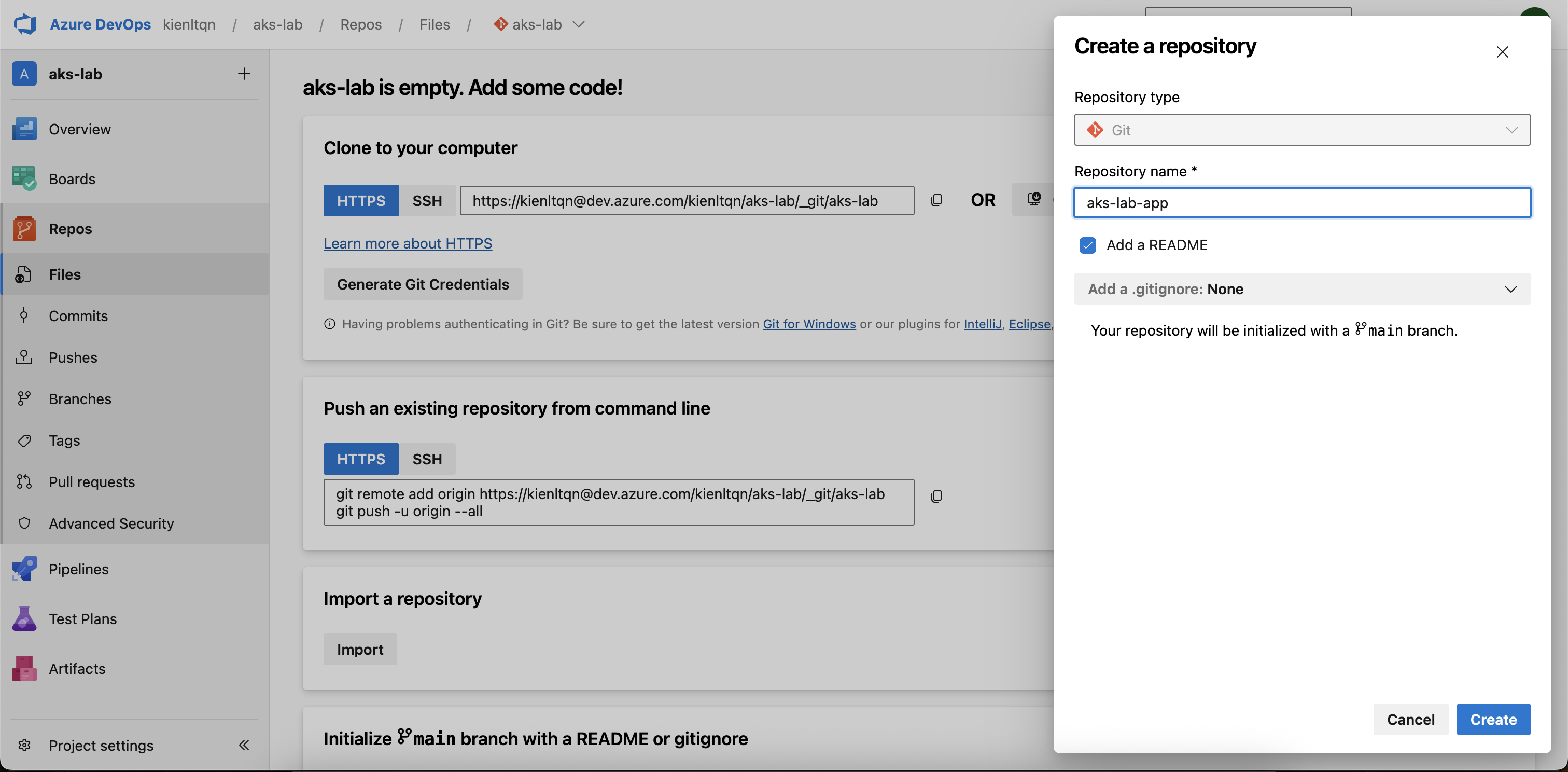
Create new Repos for app + gitops:
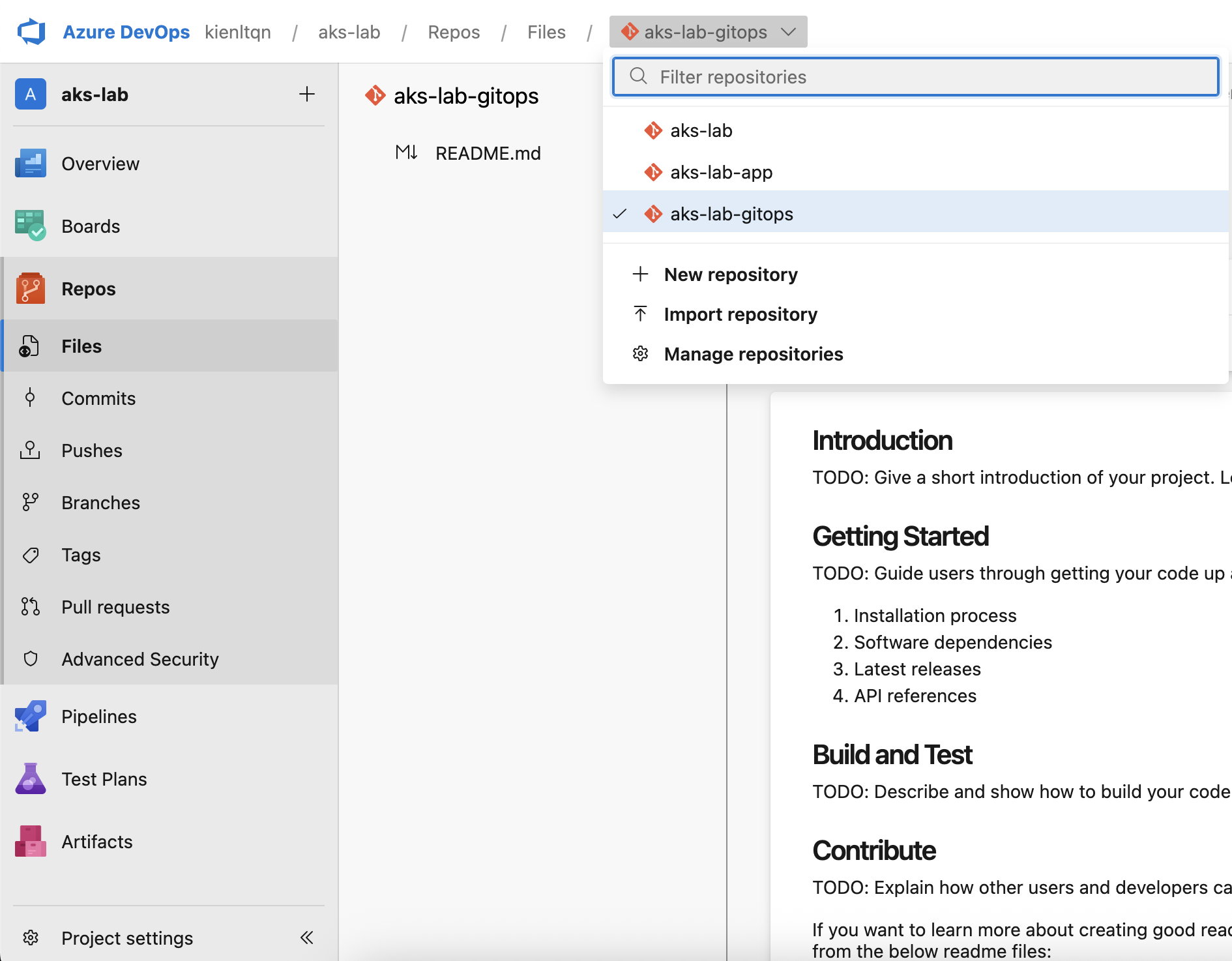
Oke, we have 2 new ones plus 1 default xD
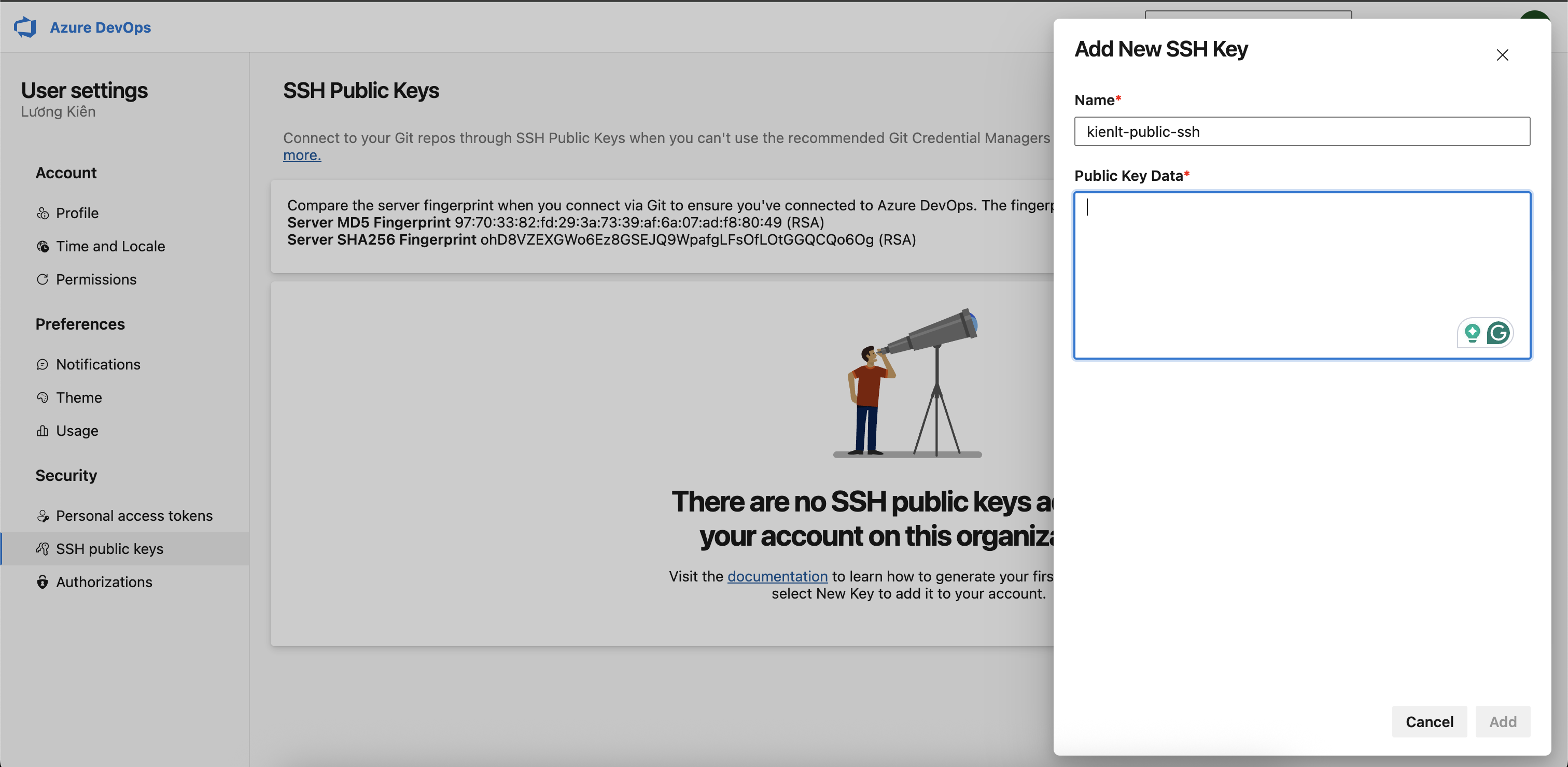
Next, we need to setup ssh key for cloning without credentials xD. Local dev = git clone via SSH. But the pipeline needs PAT because the self-hosted agent / ArgoCD needs HTTPS auth!
Then clone it, pretty much the same as other git providers xD
kienlt@Luongs-MacBook-Pro dev.azure.com % git clone git@ssh.dev.azure.com:v3/kienltqn/aks-lab/aks-lab-app
Cloning into 'aks-lab-app'...
Warning: Permanently added 'ssh.dev.azure.com' (RSA) to the list of known hosts.
remote: Azure Repos
remote: Found 3 objects to send. (51 ms)
Receiving objects: 100% (3/3), done.
And our repo will have the following files from the previous project
kienlt@Luongs-MacBook-Pro aks-lab-app % ll
total 32
drwxr-xr-x@  8 kienlt  staff  256  3 May 10:05 .
drwxr-xr-x@  3 kienlt  staff   96  3 May 10:02 ..
drwxr-xr-x@ 12 kienlt  staff  384  3 May 10:04 .git
-rw-r--r--@  1 kienlt  staff  199  3 May 10:03 default.conf
-rw-r--r--@  1 kienlt  staff  125  3 May 10:03 Dockerfile
-rw-r--r--@  1 kienlt  staff  461  3 May 10:03 index.html
drwxr-xr-x@  4 kienlt  staff  128  3 May 10:05 manifests
-rw-r--r--@  1 kienlt  staff  985  3 May 10:02 README.md
kienlt@Luongs-MacBook-Pro aks-lab-app % ll manifests
total 16
drwxr-xr-x@ 4 kienlt  staff  128  3 May 10:05 .
drwxr-xr-x@ 8 kienlt  staff  256  3 May 10:05 ..
-rw-r--r--@ 1 kienlt  staff  707  3 May 10:03 01.deploy.yaml
-rw-r--r--@ 1 kienlt  staff  516  3 May 10:03 02.ingress.yaml
Helm chart and GitOps
Next, clone GitOps repo:
git clone git@ssh.dev.azure.com:v3/kienltqn/aks-lab/aks-lab-gitops
Cloning into 'aks-lab-gitops'...
remote: Azure Repos
remote: Found 3 objects to send. (72 ms)
Receiving objects: 100% (3/3), done.
And then we have very, very basic....
aks-lab-gitops/
└── charts/
    └── hello-aks/
        ├── Chart.yaml
        ├── values.yaml
        └── templates/
            ├── deployment.yaml
            ├── service.yaml
            └── ingress.yaml
Validate it by using helm template. You can install it via brew install helm
helm template hello-aks ./charts/hello-aks/
---
# Source: hello-aks/templates/service.yaml
apiVersion: v1
kind: Service
metadata:
  name: hello-aks
spec:
  type: ClusterIP
  selector:
    app: hello-aks
  ports:
  - port: 80
    targetPort: 80
---
# Source: hello-aks/templates/deployment.yaml
apiVersion: apps/v1
kind: Deployment
metadata:
  name: hello-aks
  labels:
    app: hello-aks
spec:
  replicas: 2
  selector:
    matchLabels:
      app: hello-aks
  template:
    metadata:
      labels:
        app: hello-aks
    spec:
      containers:
      - name: app
        image: "acrakslab20546.azurecr.io/hello-aks:v1"
        imagePullPolicy: IfNotPresent
        ports:
        - containerPort: 80
---
# Source: hello-aks/templates/ingress.yaml
apiVersion: networking.k8s.io/v1
kind: Ingress
metadata:
  name: hello-aks
spec:
  ingressClassName: webapprouting.kubernetes.azure.com
  rules:
  - host: hello.kienlt.com
    http:
      paths:
      - path: /
        pathType: Prefix
        backend:
          service:
            name: hello-aks
            port:
              number: 80
Ok, remember to clean from previous section
kienlt@Luongs-MacBook-Pro 10-ecr-aks % k delete -f 01.deploy.yaml
deployment.apps "hello-aks" deleted from default namespace
service "hello-aks" deleted from default namespace
kienlt@Luongs-MacBook-Pro 10-ecr-aks % k delete -f 02.ingress.yaml
ingress.networking.k8s.io "hello-aks" deleted from default namespace
ArgoCD
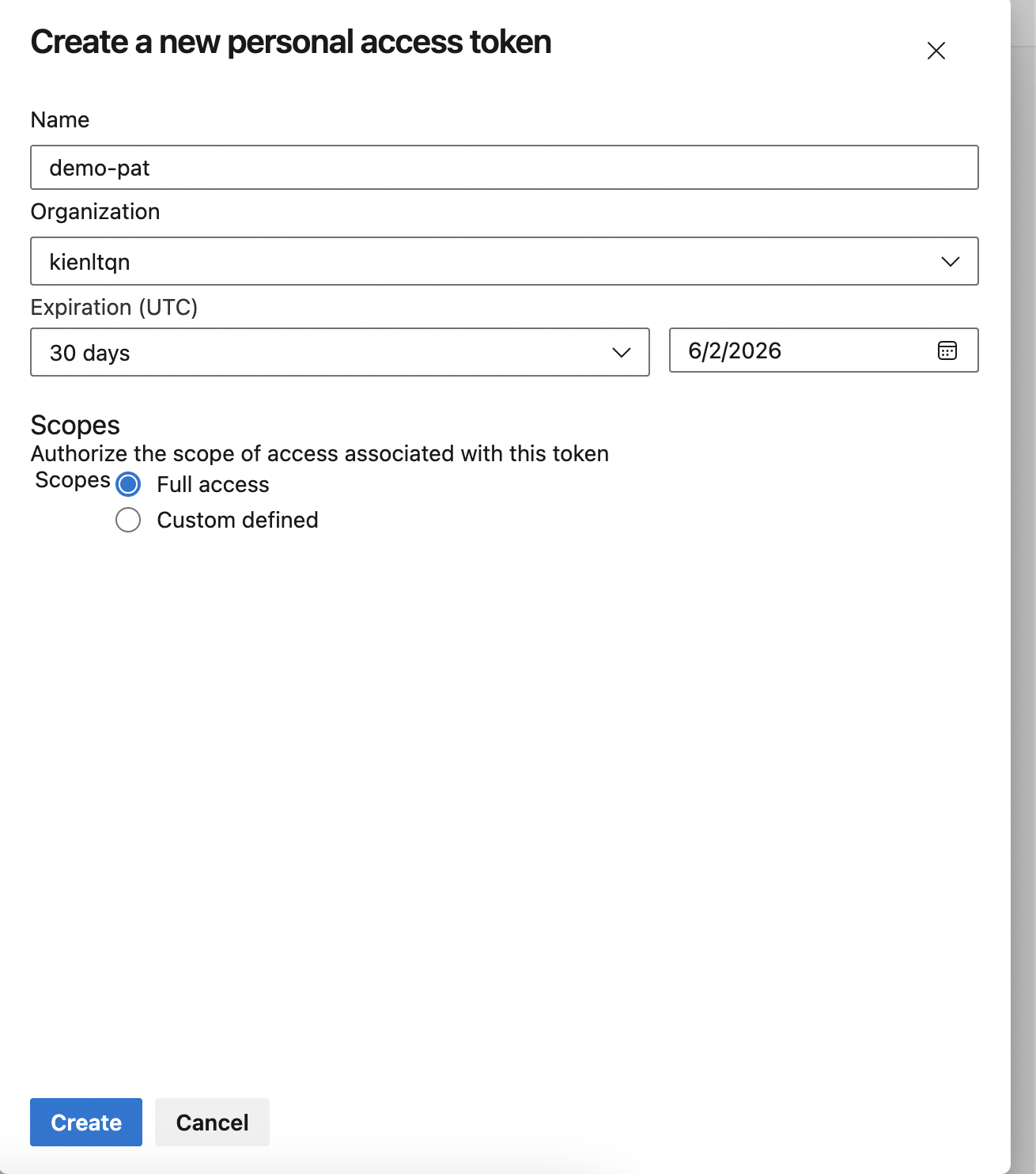
We need to create a PAT (Personal Access Token) to give Argocd permission to sync…
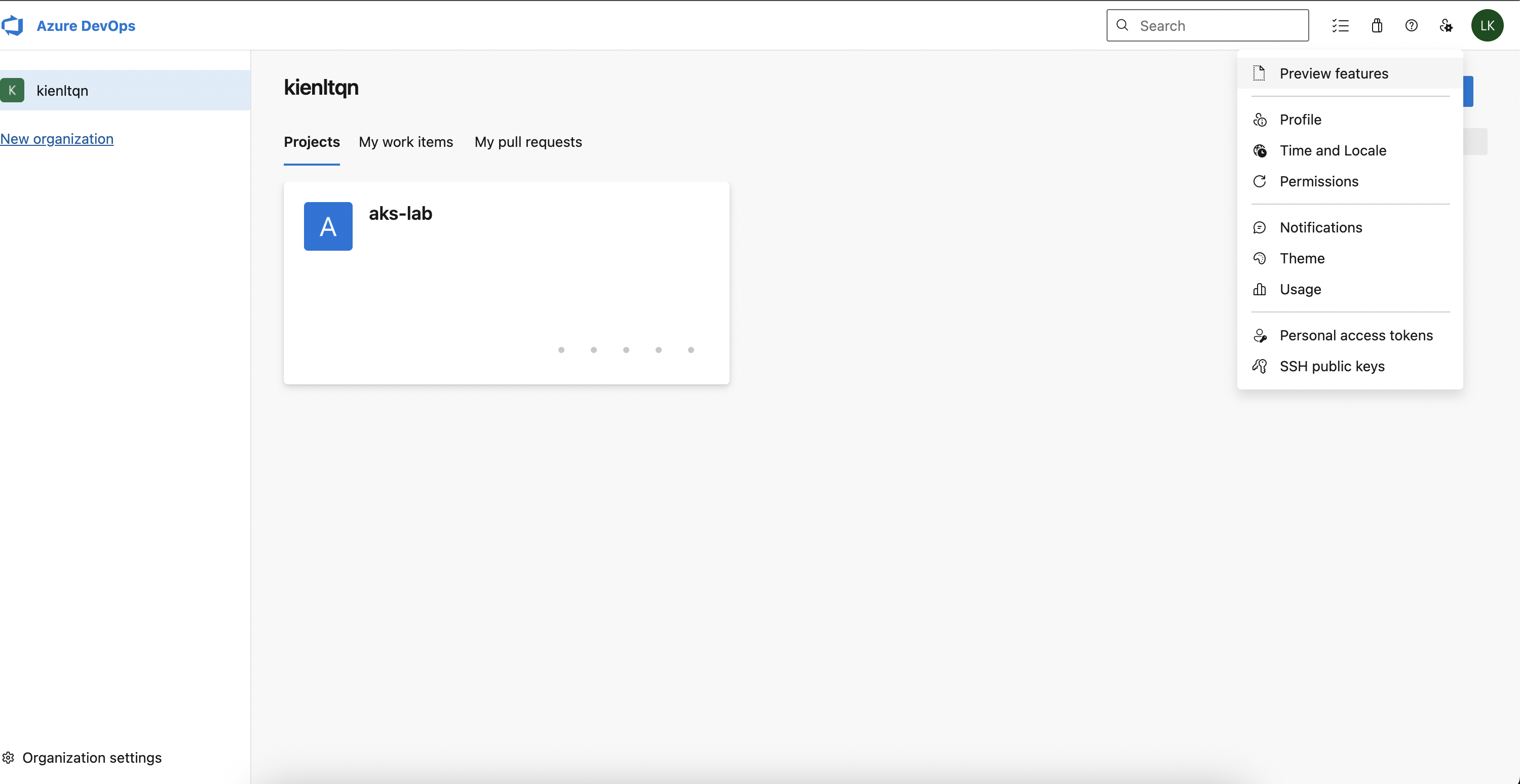
Yeah, full access for this fucking demo xD or serious with Scopes: Custom defined → tick Code → Read
Test token time:
PAT="<your-pat>"
curl -sI -u "kienltqn:$PAT" \
"https://dev.azure.com/kienltqn/aks-lab/_git/aks-lab-gitops/info/refs?service=git-upload-pack" \
| head -3
Response ok:
HTTP/2 200
cache-control: no-cache, no-store, must-revalidate
pragma: no-cache
Connect Repo in ArgoCD: remember, no fucking username (@username) in repo URL.
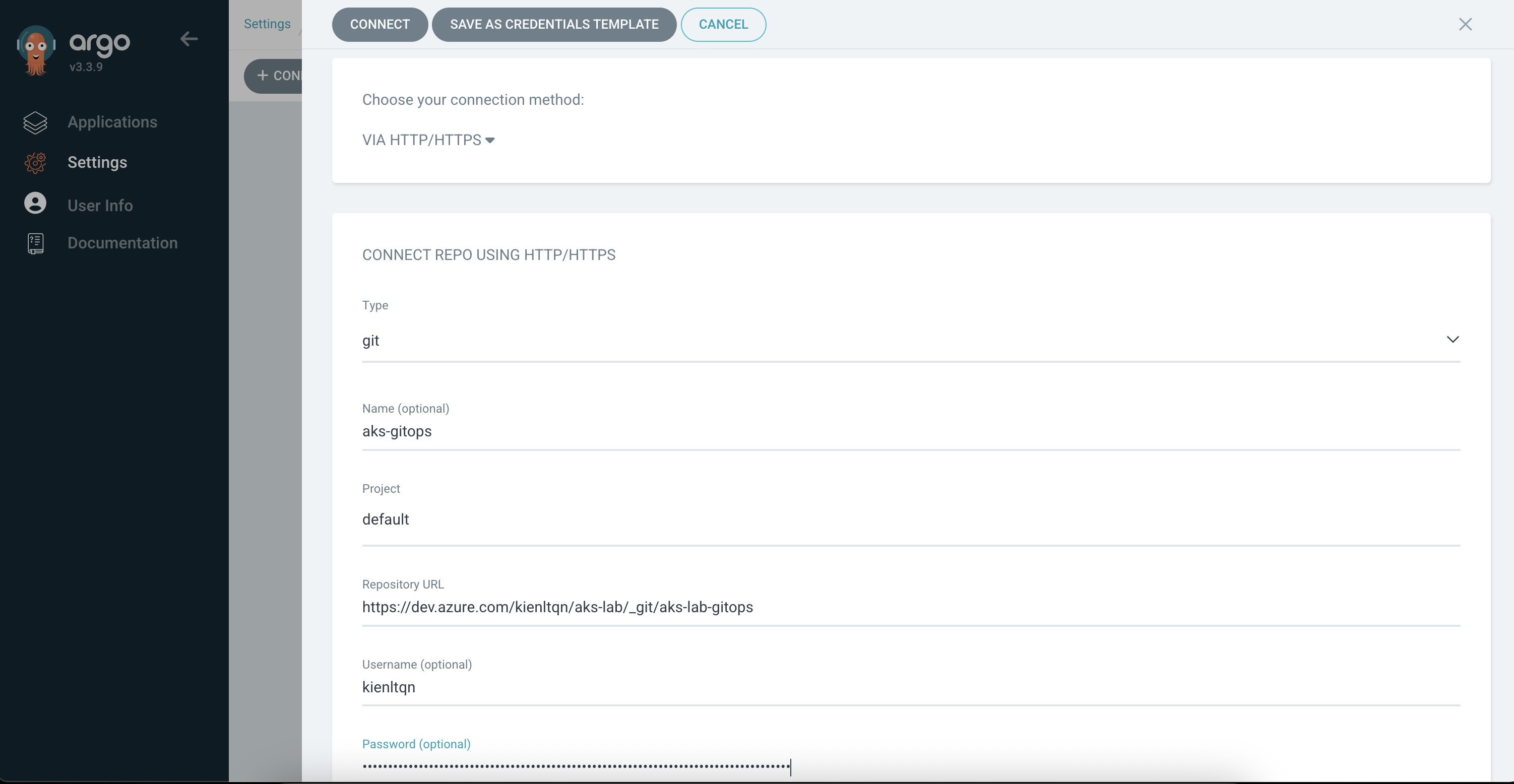
Expected result
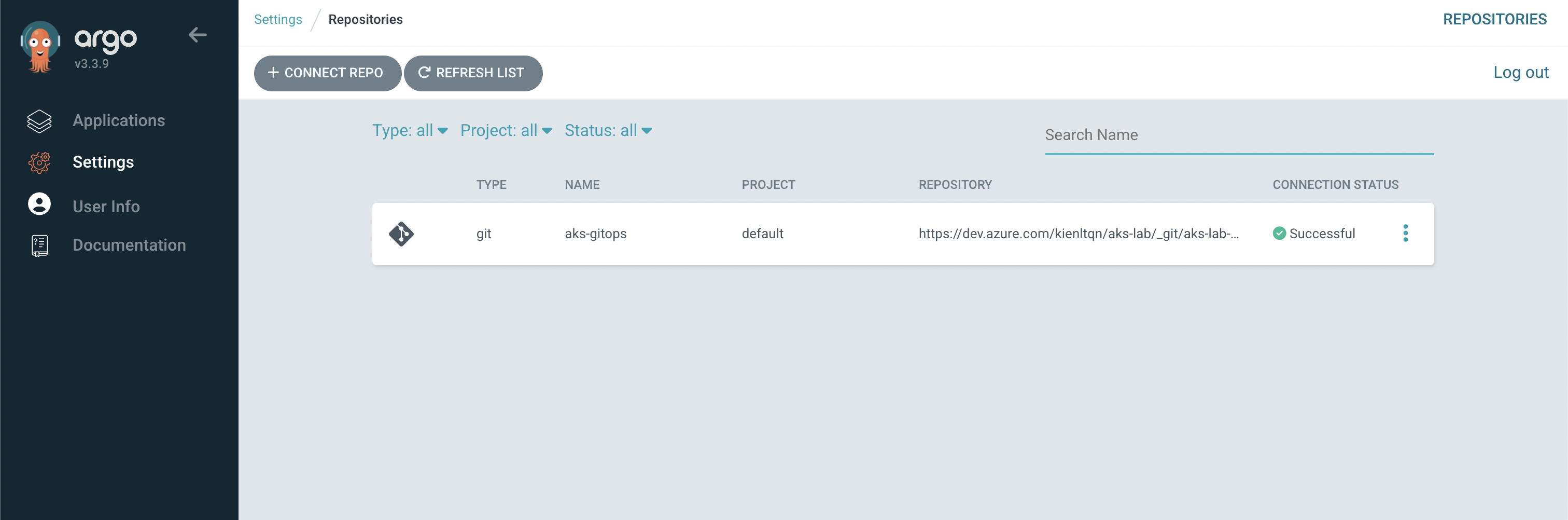
Expected output in applications
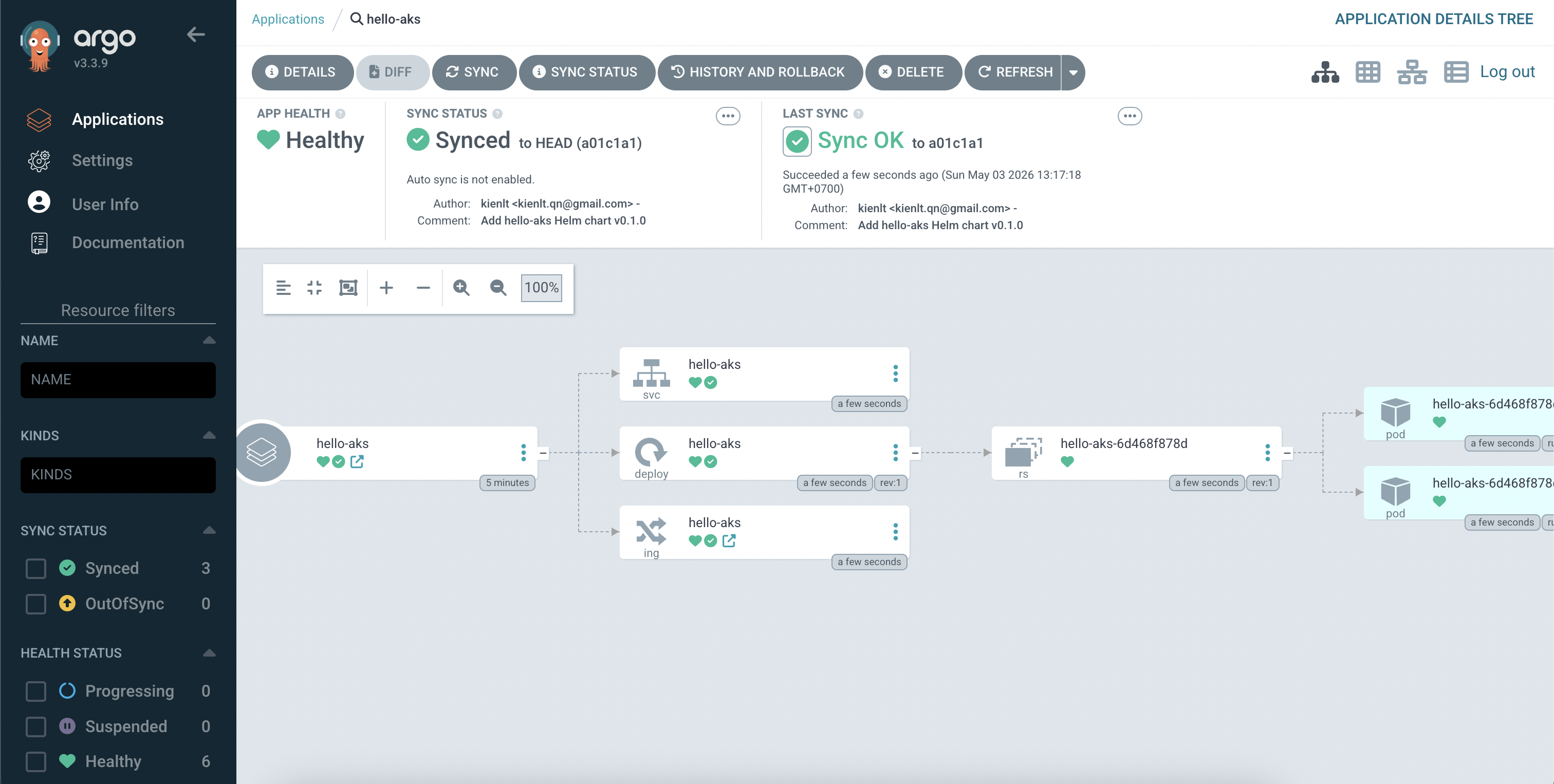
My manifest for that application:
apiVersion: argoproj.io/v1alpha1
kind: Application
metadata:
  name: hello-aks
  namespace: argocd
spec:
  project: default
  source:
    repoURL: https://dev.azure.com/kienltqn/aks-lab/_git/aks-lab-gitops
    targetRevision: HEAD
    path: charts/hello-aks
    helm:
      valueFiles:
        - values.yaml
  destination:
    server: https://kubernetes.default.svc
    namespace: hello-aks
  syncPolicy:
    syncOptions:
      - CreateNamespace=true
Step 3: Azure Pipeline build -> push ACR -> bump tag GitOps
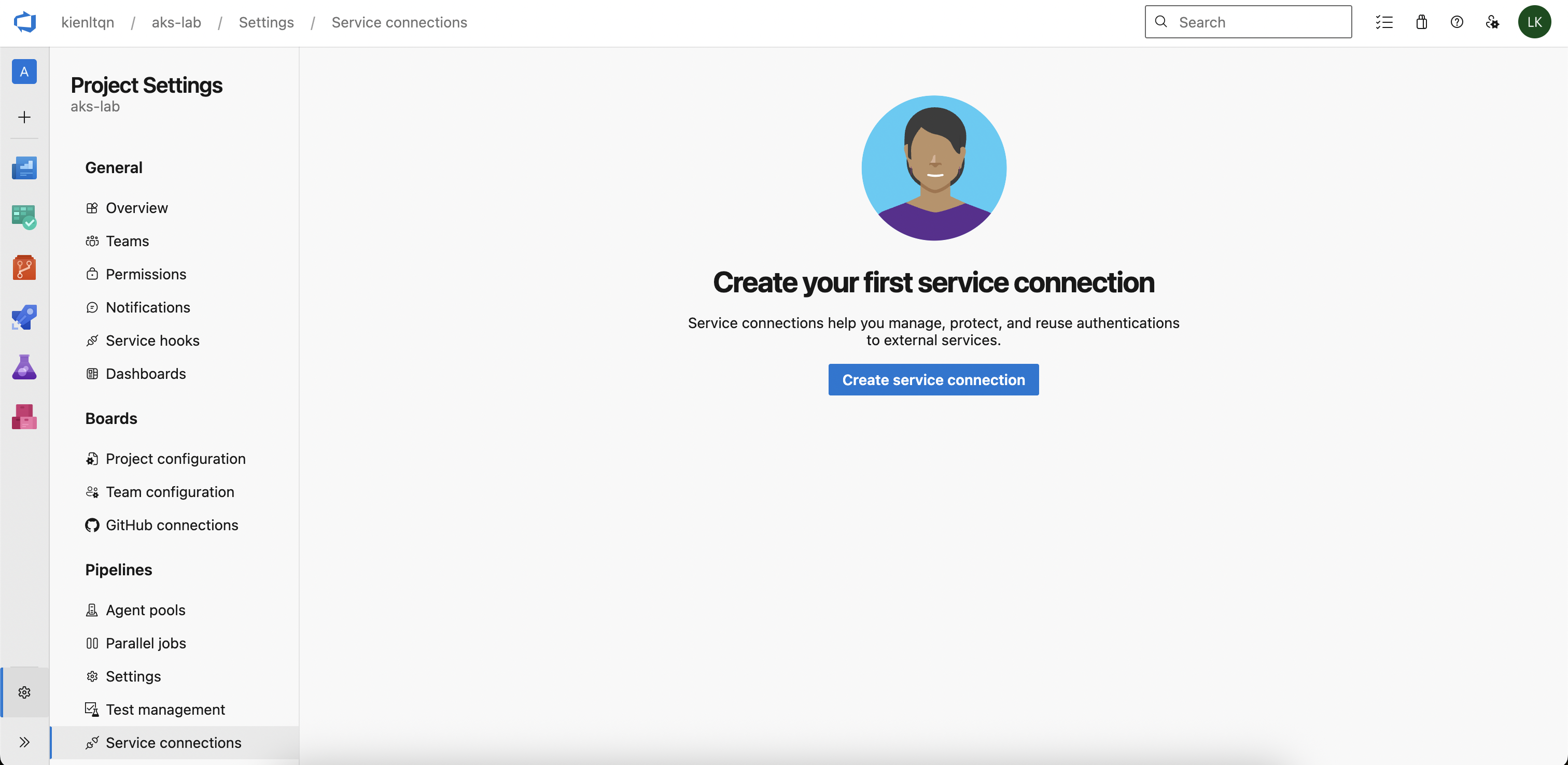
Create Service Connection for ACR
Pipeline needs to authenticate into ACR to push the image. The recommended way is Service connection using Service Principal
Project Settings --> Service Connections --> New Service Connections --> Docker Registry
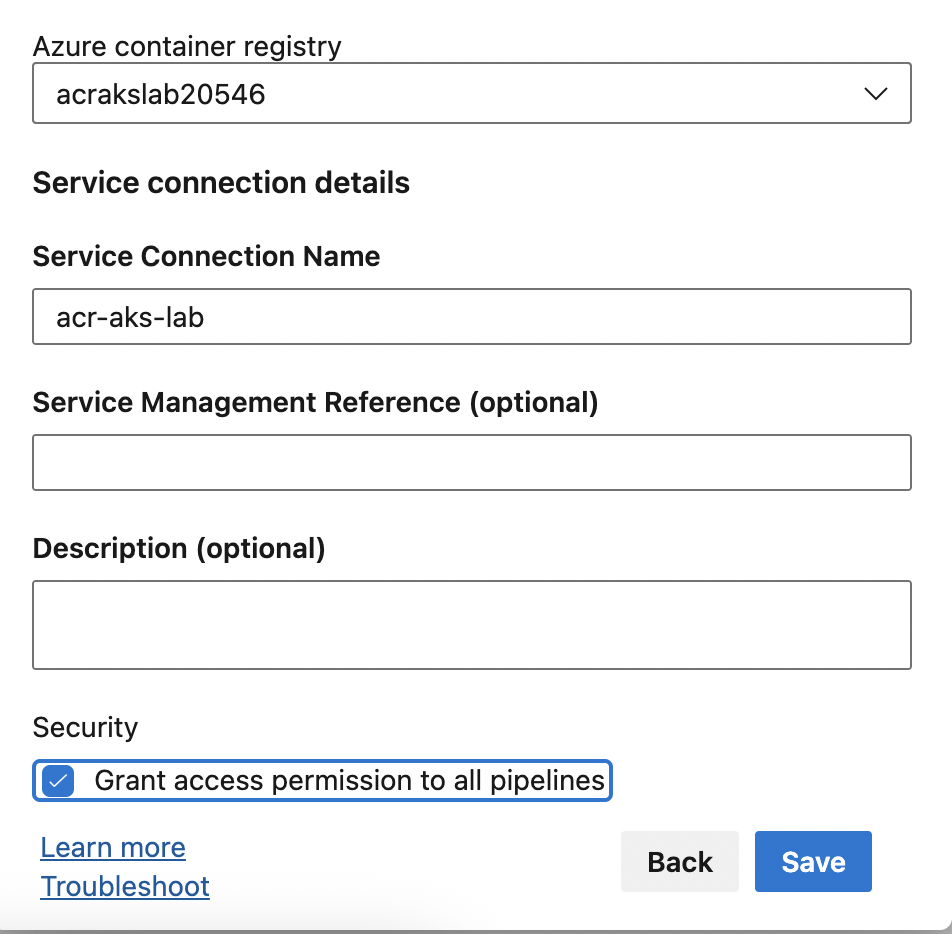
After that:
- Registry type: Azure Container Registry
- Authentication Type: Service Principal
- Subscription: pick a subscription that contains ACR
- Azure container registry: your ACR
- Service connection name: acr-aks-lab
- Grant access permission to all pipelines
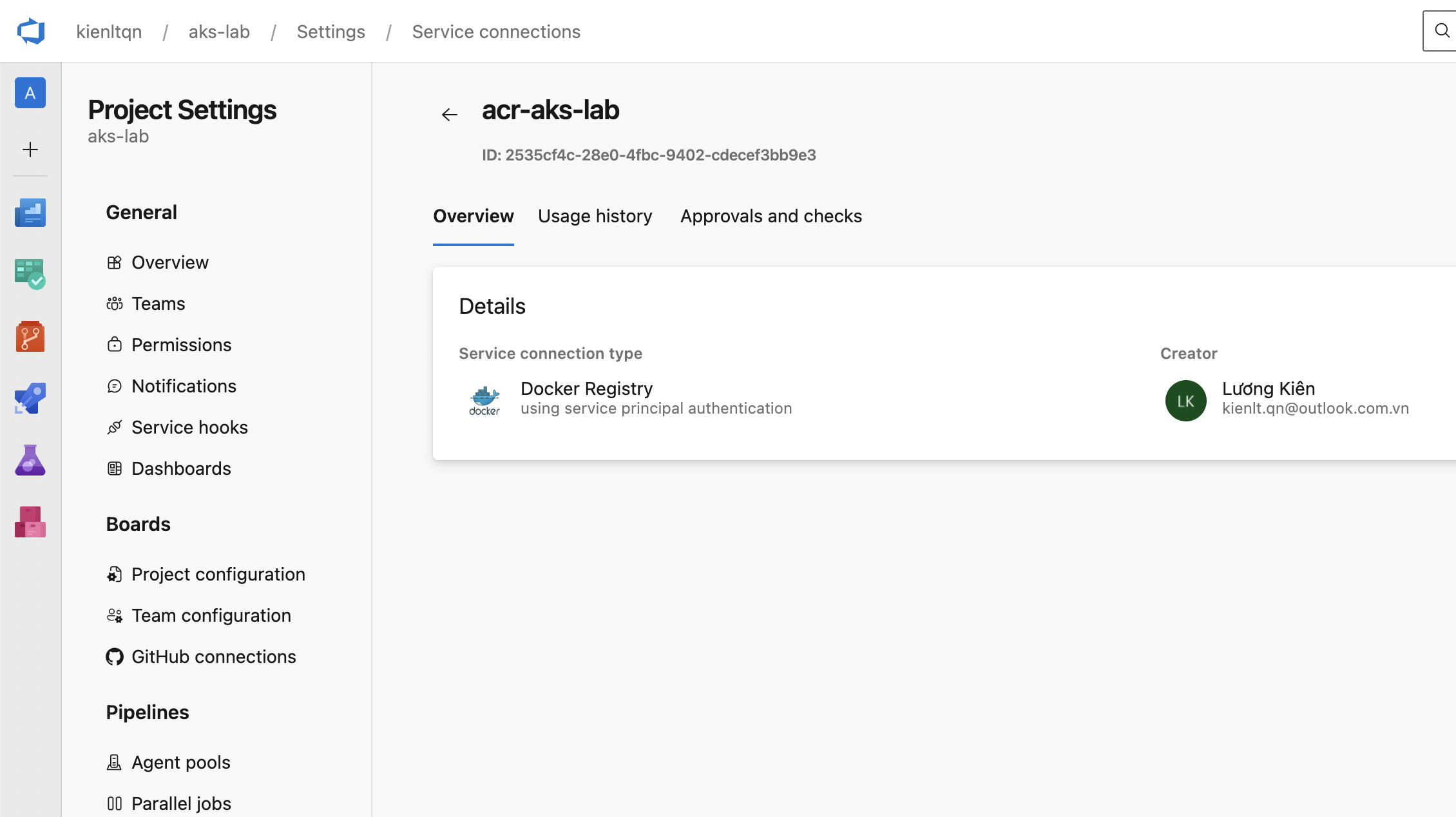
Output:
Grant access for the Build Service push into the GitOps repo
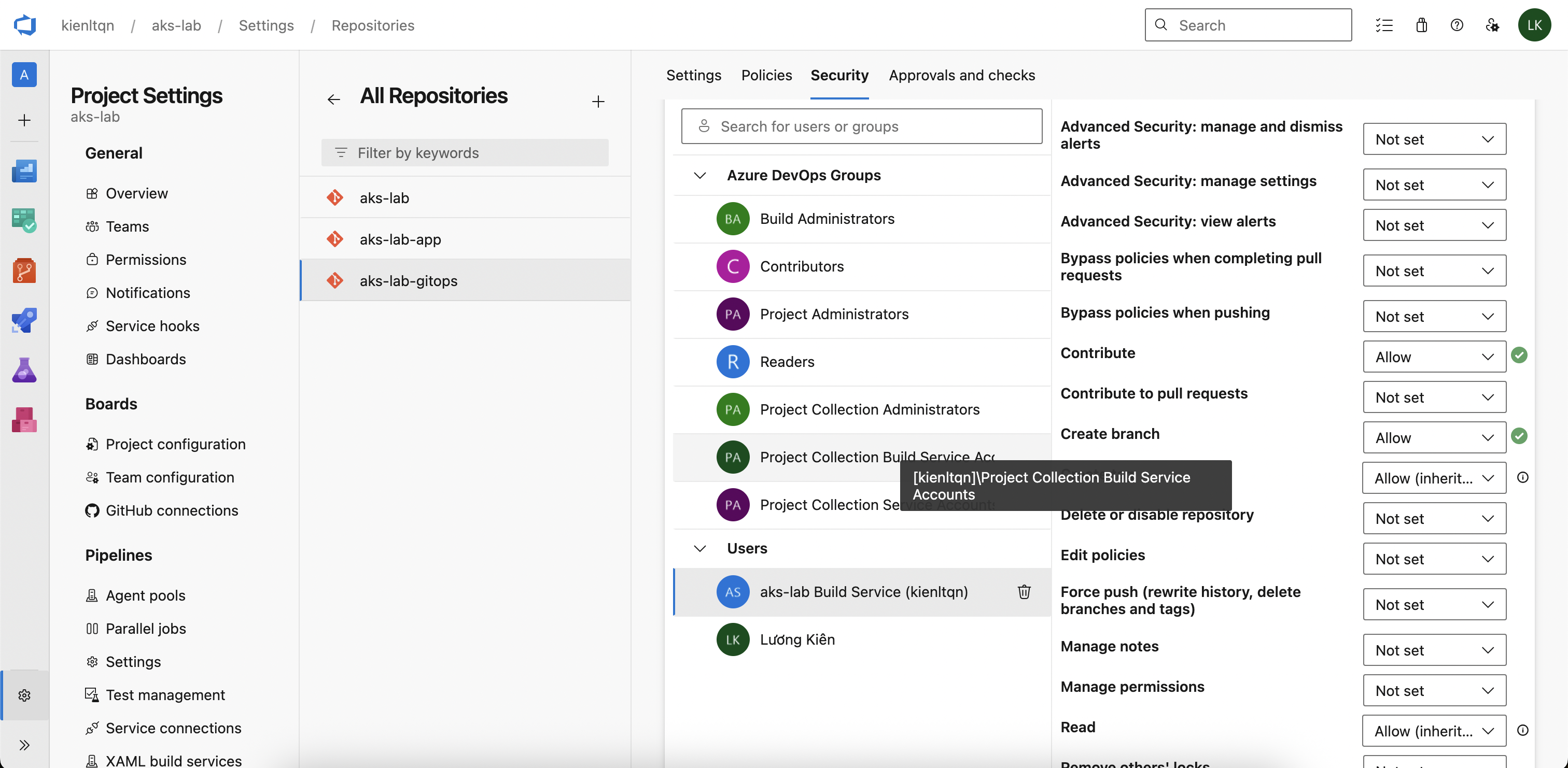
Project Settings -> Repositories -> aks-lab-gitops -> tab Security -> find user like: aks-lab Build Service (kienltqn). Then set the following permission to "Allow" - Contribute - Create branch
Create azure-pipelines.yml (like .gitlab-ci.yml xD)
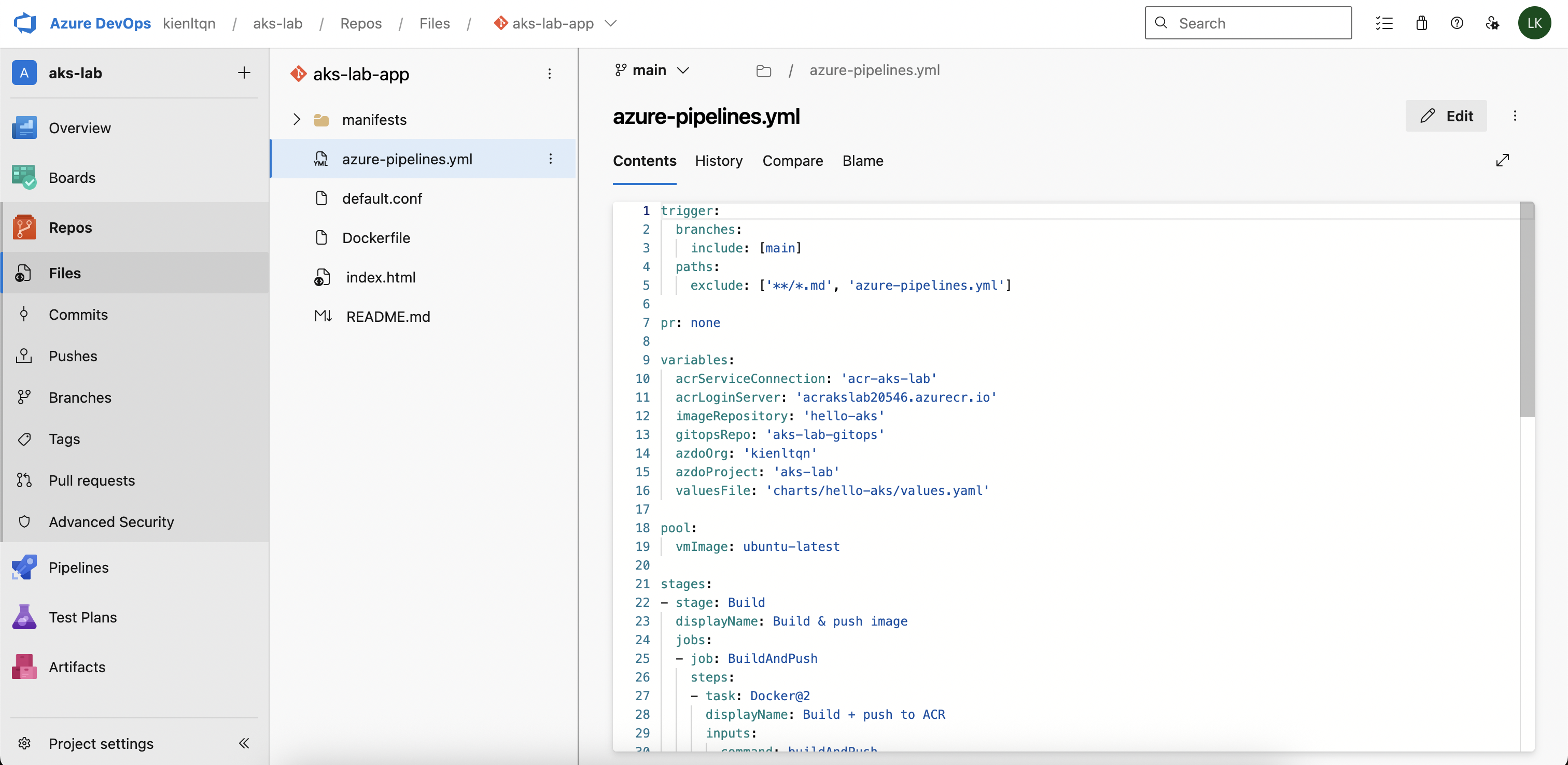
trigger:
  branches:
    include: [main]
  paths:
    exclude: ['**/*.md', 'azure-pipelines.yml']

pr: none

variables:
  acrServiceConnection: 'acr-aks-lab'
  acrLoginServer: 'acrakslab20546.azurecr.io'
  imageRepository: 'hello-aks'
  gitopsRepo: 'aks-lab-gitops'
  azdoOrg: 'kienltqn'
  azdoProject: 'aks-lab'
  valuesFile: 'charts/hello-aks/values.yaml'

pool:
  name: local-mac

stages:
- stage: Build
  displayName: Build & push image
  jobs:
  - job: BuildAndPush
    steps:
    - task: Docker@2
      displayName: Login ACR
      inputs:
        command: login
        containerRegistry: $(acrServiceConnection)

    - bash: |
        set -euo pipefail

        BUILDX="${HOME}/.docker/cli-plugins/docker-buildx"

        # Verify
        "$BUILDX" version

        # Create builder (idempotent)
        "$BUILDX" create --use --name multiarch 2>/dev/null || "$BUILDX" use multiarch
        "$BUILDX" inspect --bootstrap

        "$BUILDX" build \
          --platform linux/amd64 \
          --tag $(acrLoginServer)/$(imageRepository):$(Build.BuildId) \
          --push \
          .
      displayName: Build linux/amd64 & push (direct binary)

    - task: Docker@2
      displayName: Logout ACR
      inputs:
        command: logout
        containerRegistry: $(acrServiceConnection)

- stage: UpdateGitOps
  displayName: Bump image tag in gitops
  dependsOn: Build
  condition: succeeded()
  jobs:
  - job: BumpTag
    steps:
    - checkout: none
    - bash: |
        set -euo pipefail

        # Diagnostic: verify PAT reached script
        echo "PAT length: ${#GITOPS_PAT}"

        # URL embed PAT (Azure Pipelines auto-mask secret in log)
        REPO_URL="https://kienltqn:${GITOPS_PAT}@dev.azure.com/$(azdoOrg)/$(azdoProject)/_git/$(gitopsRepo)"

        git clone "$REPO_URL" gitops
        cd gitops

        yq -i ".image.tag = \"$(Build.BuildId)\"" $(valuesFile)
        echo "----- updated values.yaml -----"
        cat $(valuesFile)

        git config user.email "pipeline@dev.azure.com"
        git config user.name  "Azure Pipeline"
        git add $(valuesFile)

        if git diff --cached --quiet; then
          echo "No tag change, skip commit."
          exit 0
        fi

        git commit -m "ci: bump hello-aks image to $(Build.BuildId) [skip ci]"
        git push origin HEAD:main
      env:
        GITOPS_PAT: $(GITOPS_PAT)
      displayName: Update values.yaml & push
Note: This pipeline is designed for self-hosted Mac agent. We'll see why below.
Create Pipeline definition in Azure DevOps UI
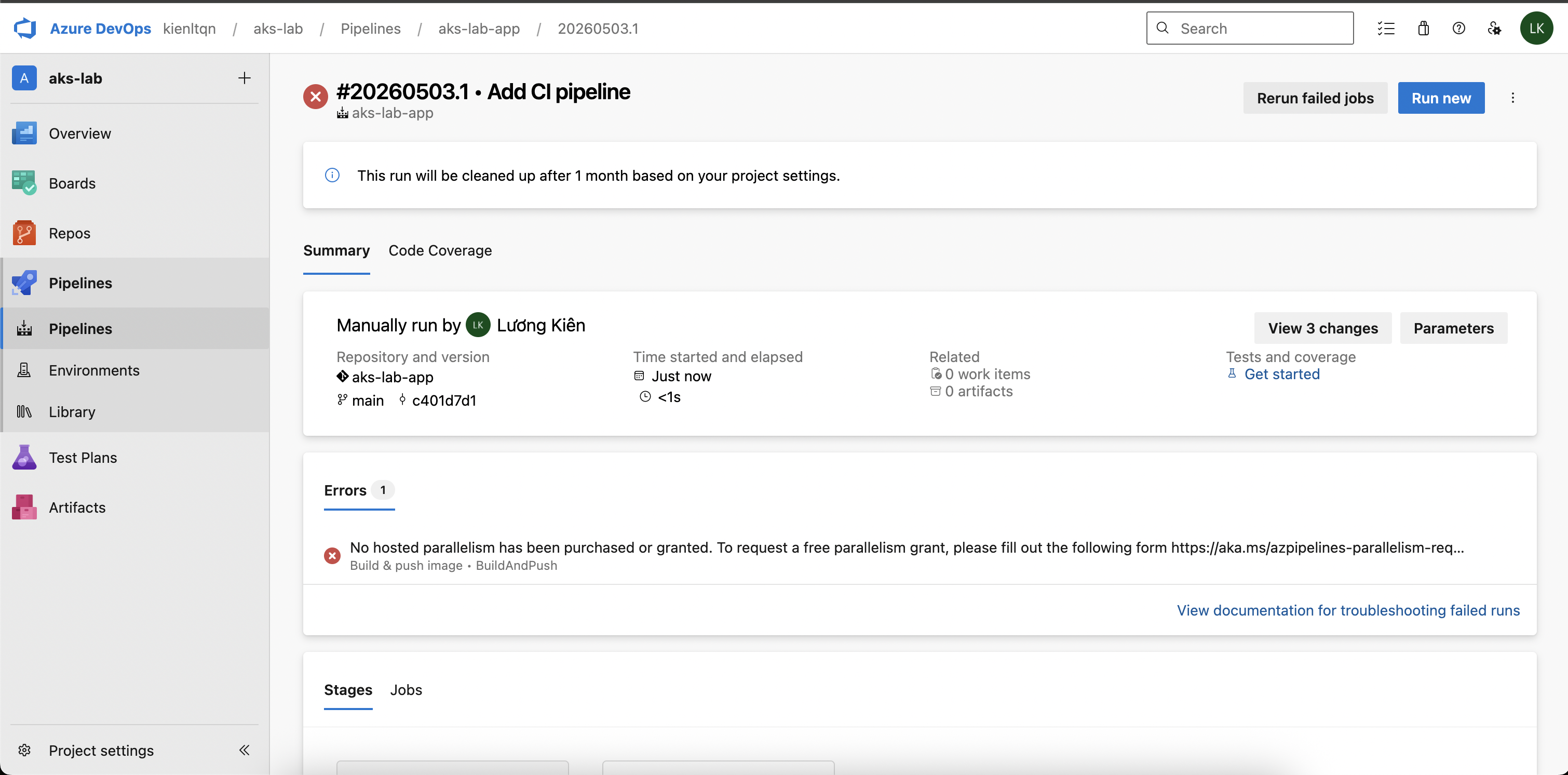
Pipelines -> Pipelines -> Create Pipeline -> Azure Repos Git -> chọn aks-lab-app -> Existing Azure Pipelines YAML file -> Branch main, Path /azure-pipelines.yml -> Continue -> Run.
LOL, Holy fucking shit
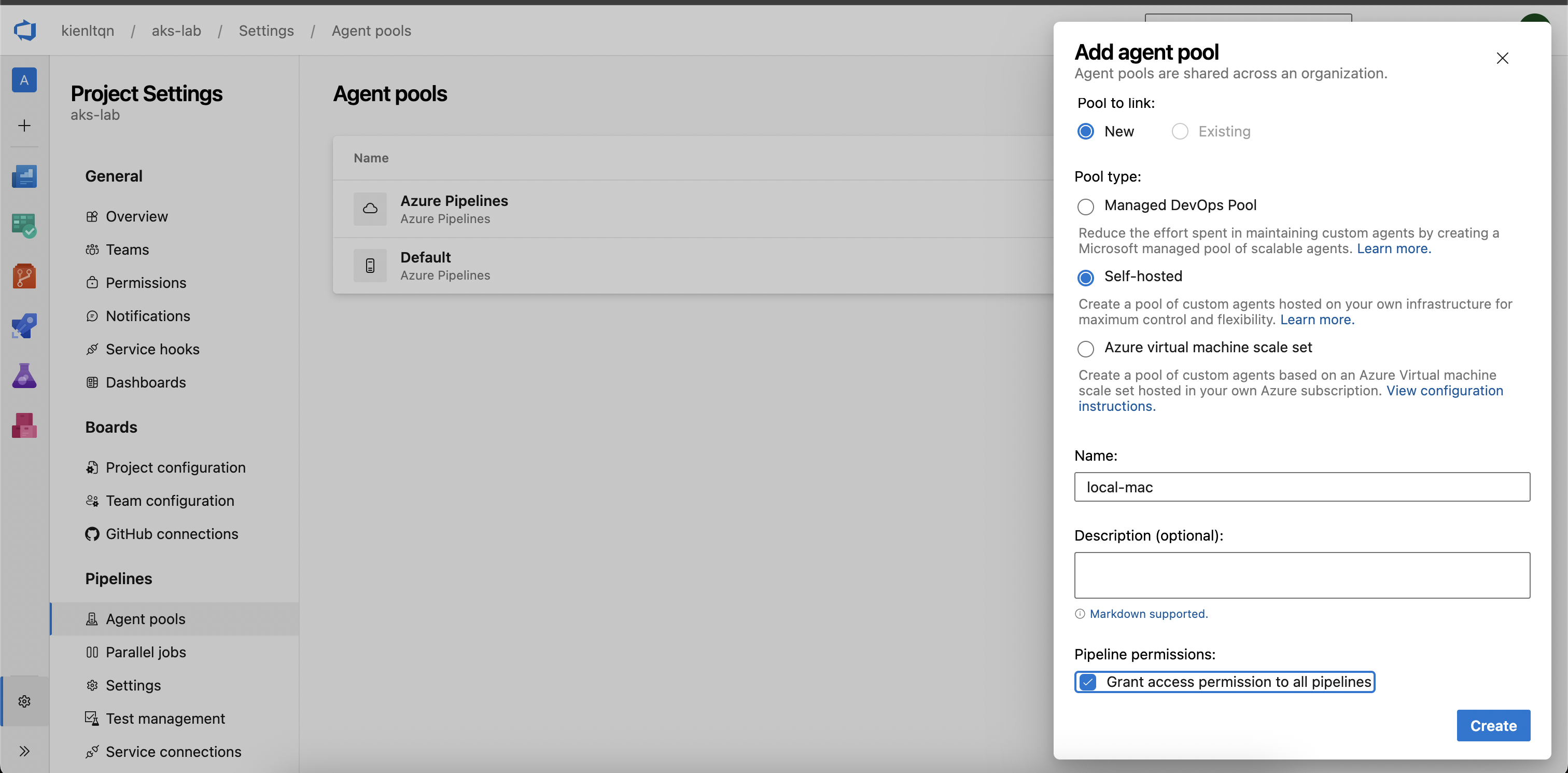
Time to create new agent-pool self-host
Create new PAT for agent-local-mac
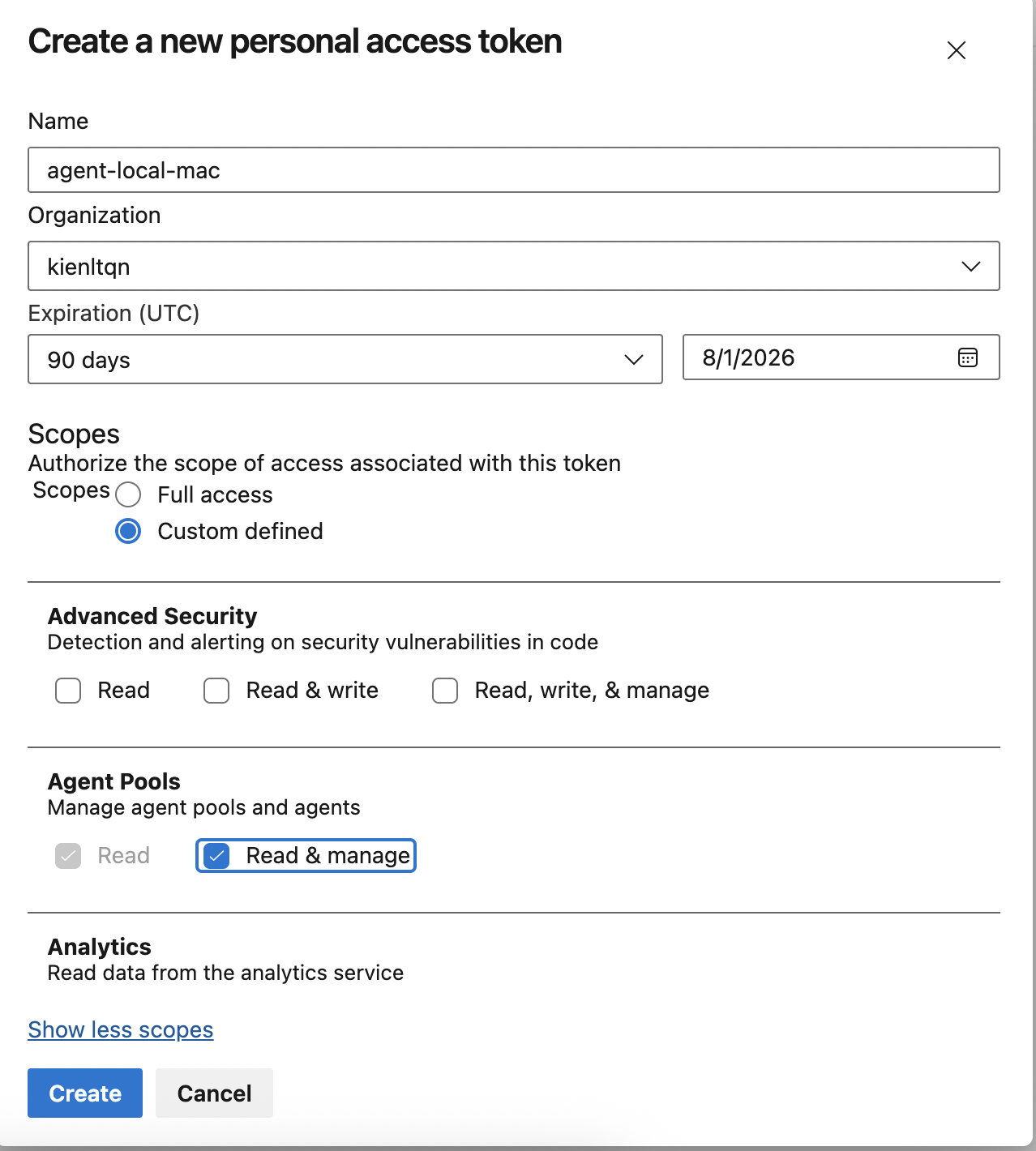
User Settings (avatar) → Personal access tokens → New Token:
- Name: agent-local-mac
- Organization: kienltqn
- Expiration: 90 days
- Scopes: Custom defined → Agent Pools → tick Read & manage
Install and configure the agent on a local Mac
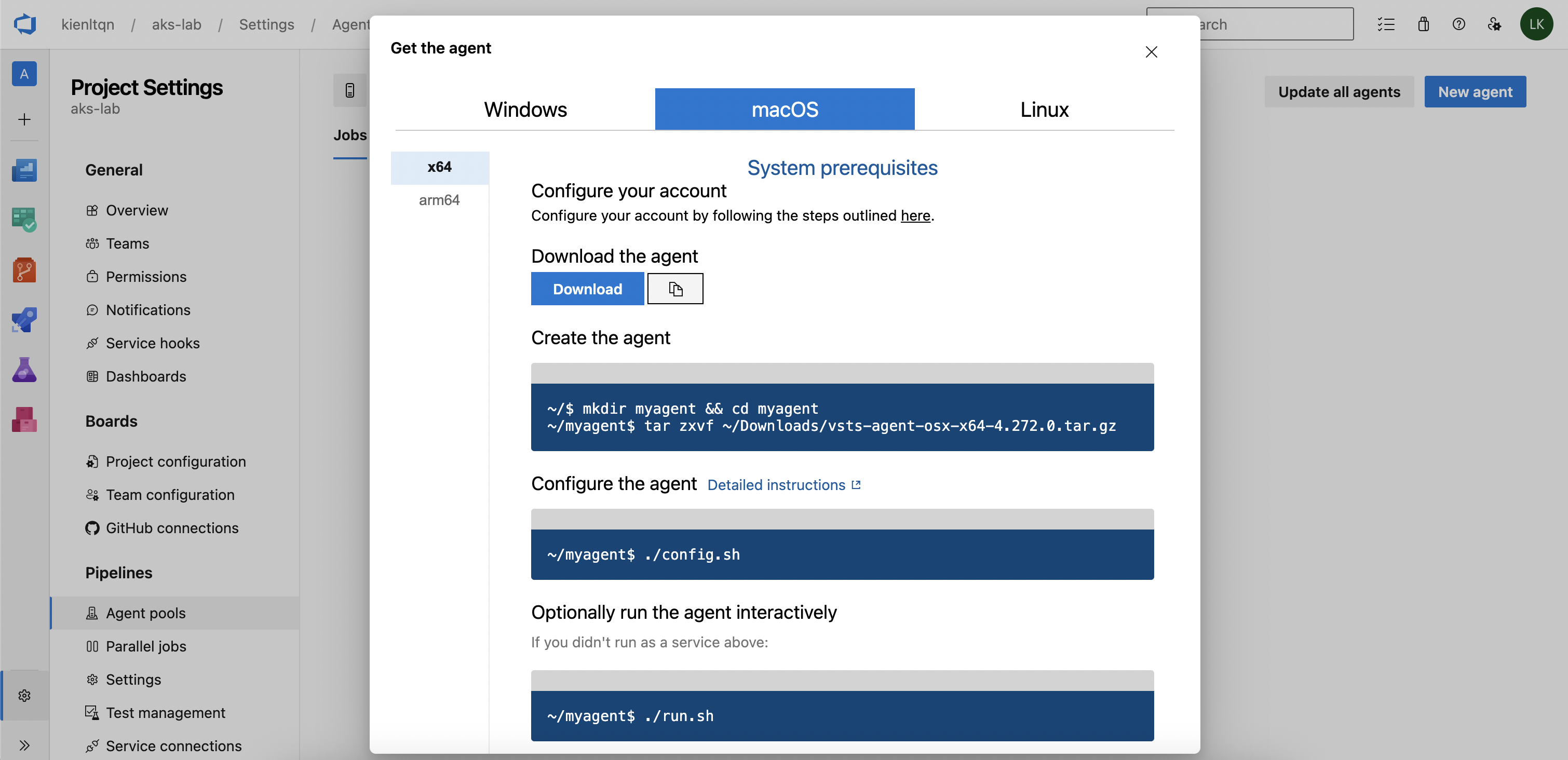
Need to run: brew install docker-buildx for Mac Local and symlink
mkdir -p ~/.docker/cli-plugins
ln -sfn $(brew --prefix)/opt/docker-buildx/bin/docker-buildx \
        ~/.docker/cli-plugins/docker-buildx
Follow the instructions, and finally, we have the following thing below. Remember PAT is what we just created above.
kienlt@Luongs-MacBook-Pro azp-agent % ./config.sh

  ___                      ______ _            _ _
 / _ \                     | ___ (_)          | (_)
/ /_\ \_____   _ _ __ ___  | |_/ /_ _ __   ___| |_ _ __   ___  ___
|  _  |_  / | | | '__/ _ \ |  __/| | '_ \ / _ \ | | '_ \ / _ \/ __|
| | | |/ /| |_| | | |  __/ | |   | | |_) |  __/ | | | | |  __/\__ \
\_| |_/___|\__,_|_|  \___| \_|   |_| .__/ \___|_|_|_| |_|\___||___/
                                   | |
        agent v4.272.0             |_|          (commit 491e611)


>> End User License Agreements:

Building sources from a TFVC repository requires accepting the Team Explorer Everywhere End User License Agreement. This step is not required for building sources from Git repositories.

A copy of the Team Explorer Everywhere license agreement can be found at:
  /Users/kienlt/azp-agent/license.html

Enter (Y/N) Accept the Team Explorer Everywhere license agreement now? (press enter for N) > Y

>> Connect:

Enter server URL > https://dev.azure.com/kienltqn
Enter authentication type (press enter for PAT) > PAT
Enter personal access token > ************************************************************************************
Connecting to server ...

>> Register Agent:

Enter agent pool (press enter for default) > local-mac
Enter agent name (press enter for Luongs-MacBook-Pro) >
Scanning for tool capabilities.
Connecting to the server.
Successfully added the agent
Testing agent connection.
Enter work folder (press enter for _work) >
2026-05-03 10:38:46Z: Settings Saved.
Ok, let's gooooooo:
kienlt@Luongs-MacBook-Pro azp-agent % ./run.sh
Scanning for tool capabilities.
Connecting to the server.
2026-05-03 10:39:06Z: Listening for Jobs
Verify agent online:
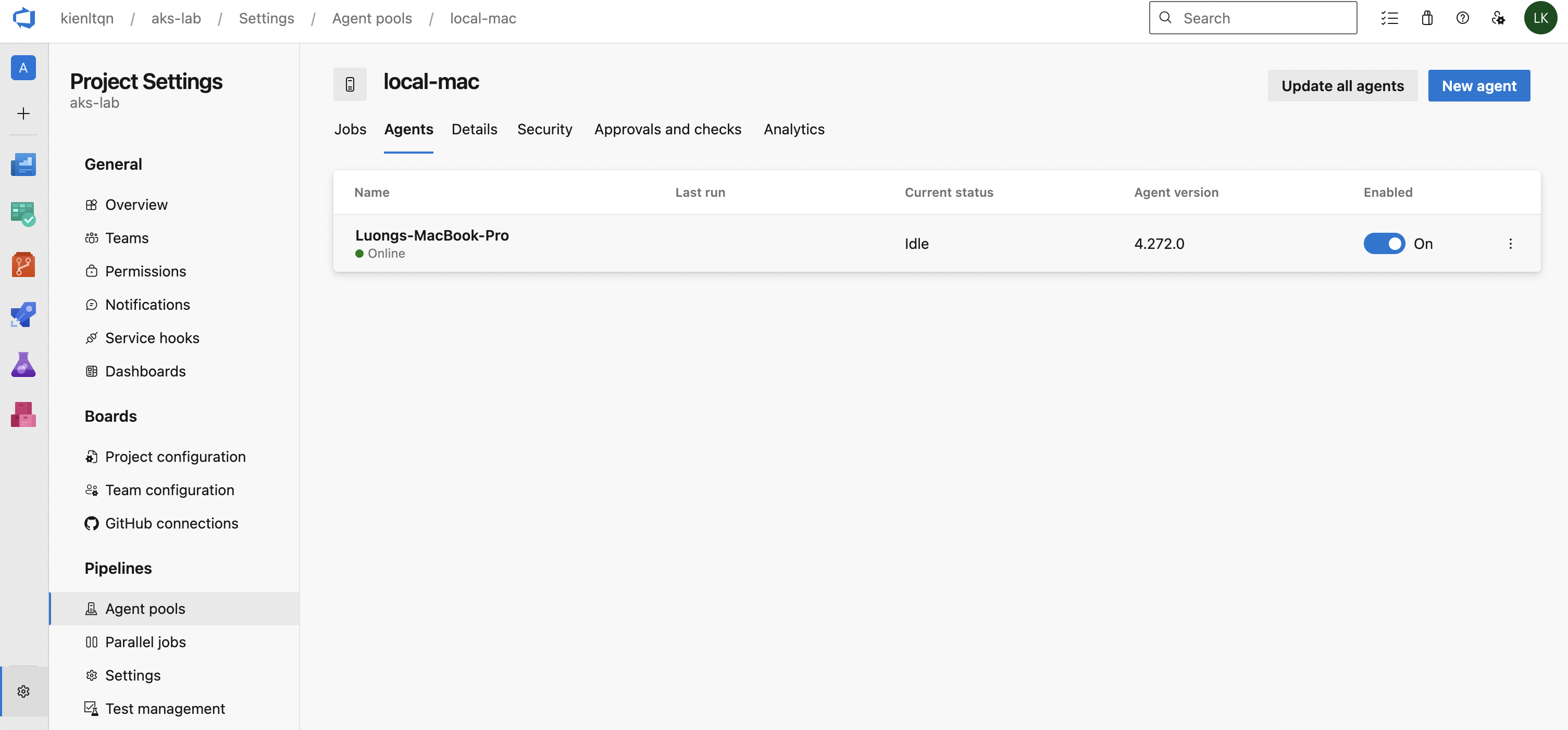
Change from azure-pipelines.yml from
pool:
  vmImage: ubuntu-latest
to
pool:
  name: local-mac
Delete existing pipeline, run new pipeline and here is output, failed but it run xD
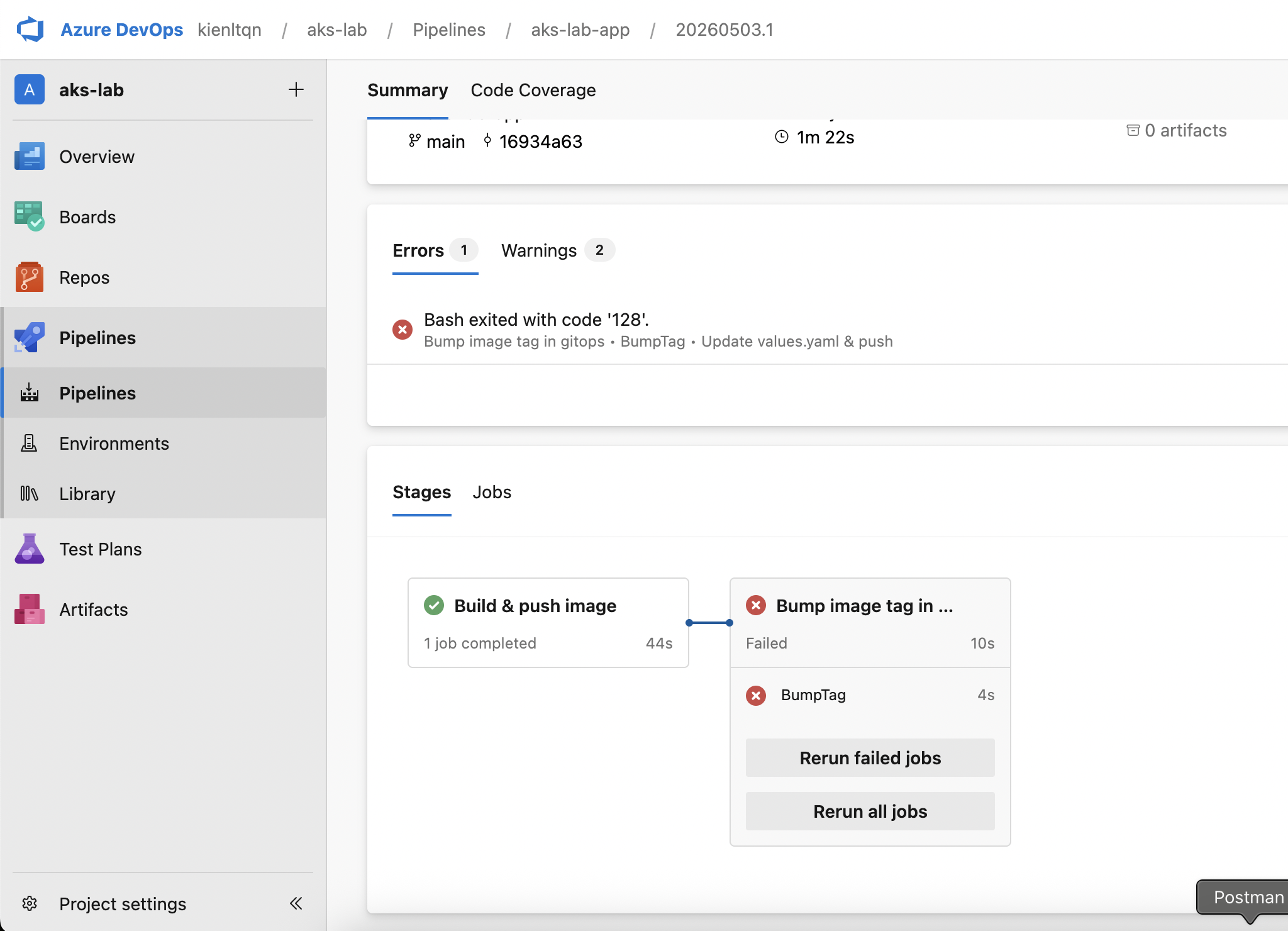
Hmm, it still fucked up in part clone gitops repo. Time to create a new PAT for it — or just skip and reuse that fucking FULL ACCESS PAT!!!
Add PAT for secret variable of pipeline, it is simple, create environment variable, like this!
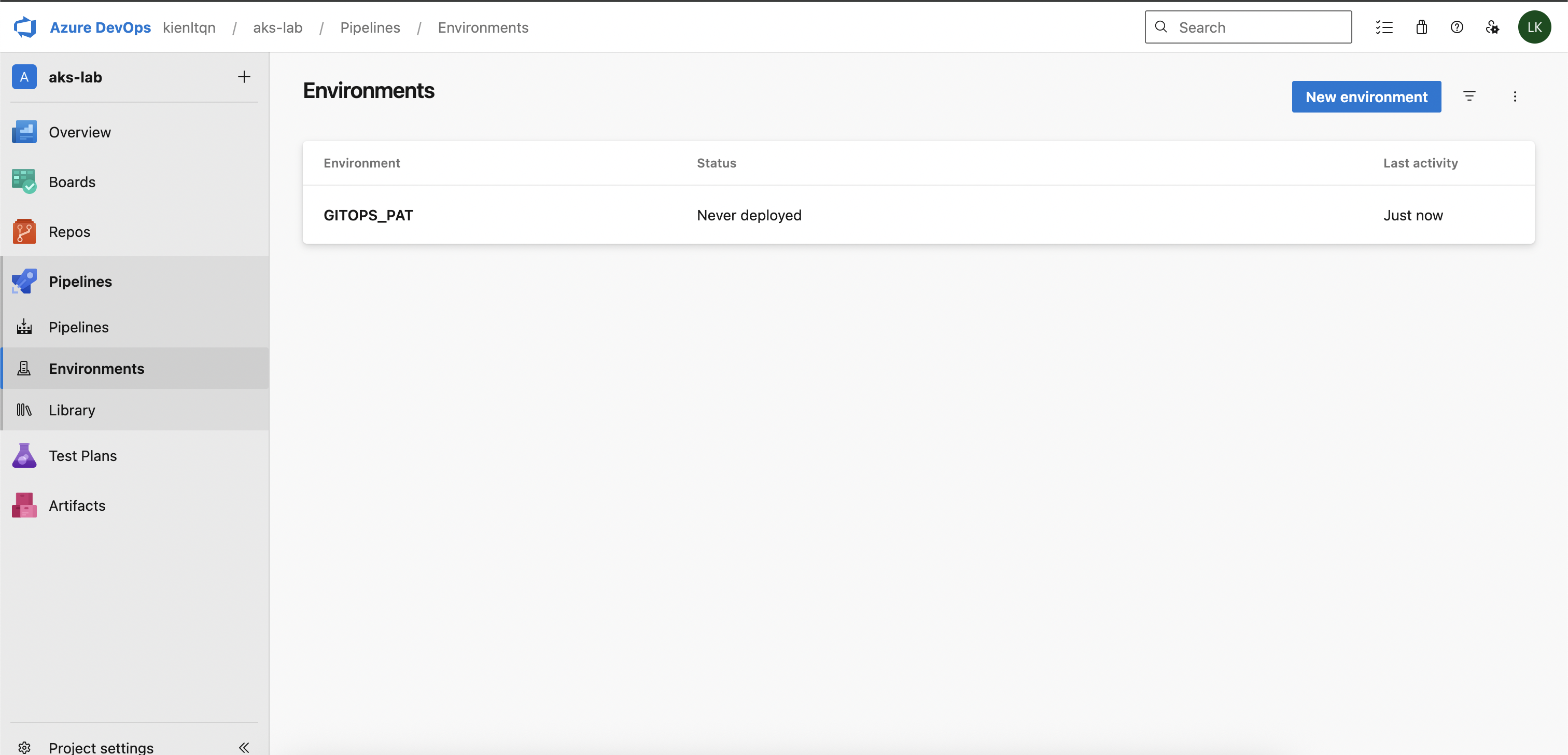
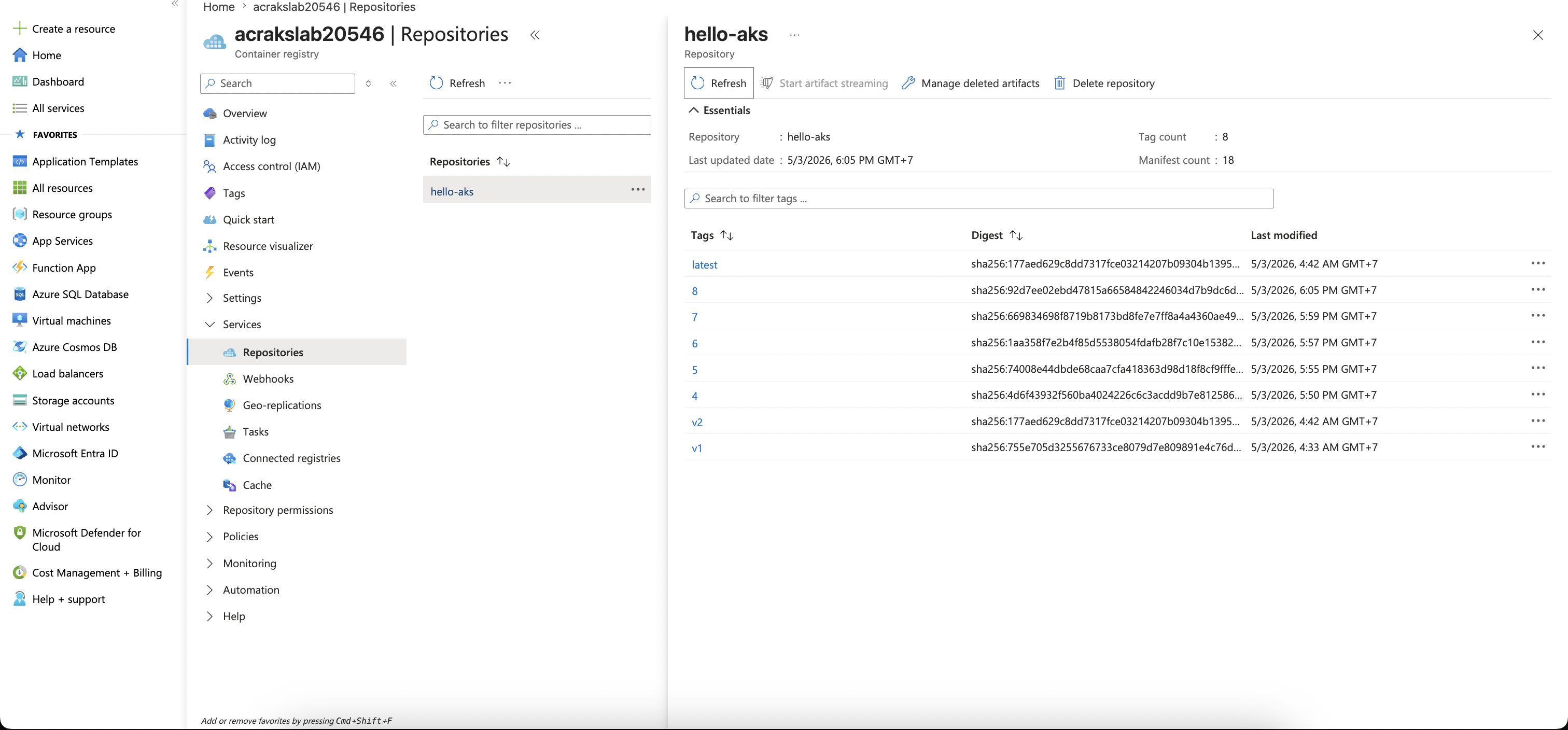
At least we got build image works
Hmmm, seem like I already fucked up, I create env, not pipeline variable?
In Azure DevOps: - Pipeline variable = key-value injected as env var in pipeline run (can mark as secret) - Environment = deployment target (k8s/VM/etc.) used for approval gates, not variable scope
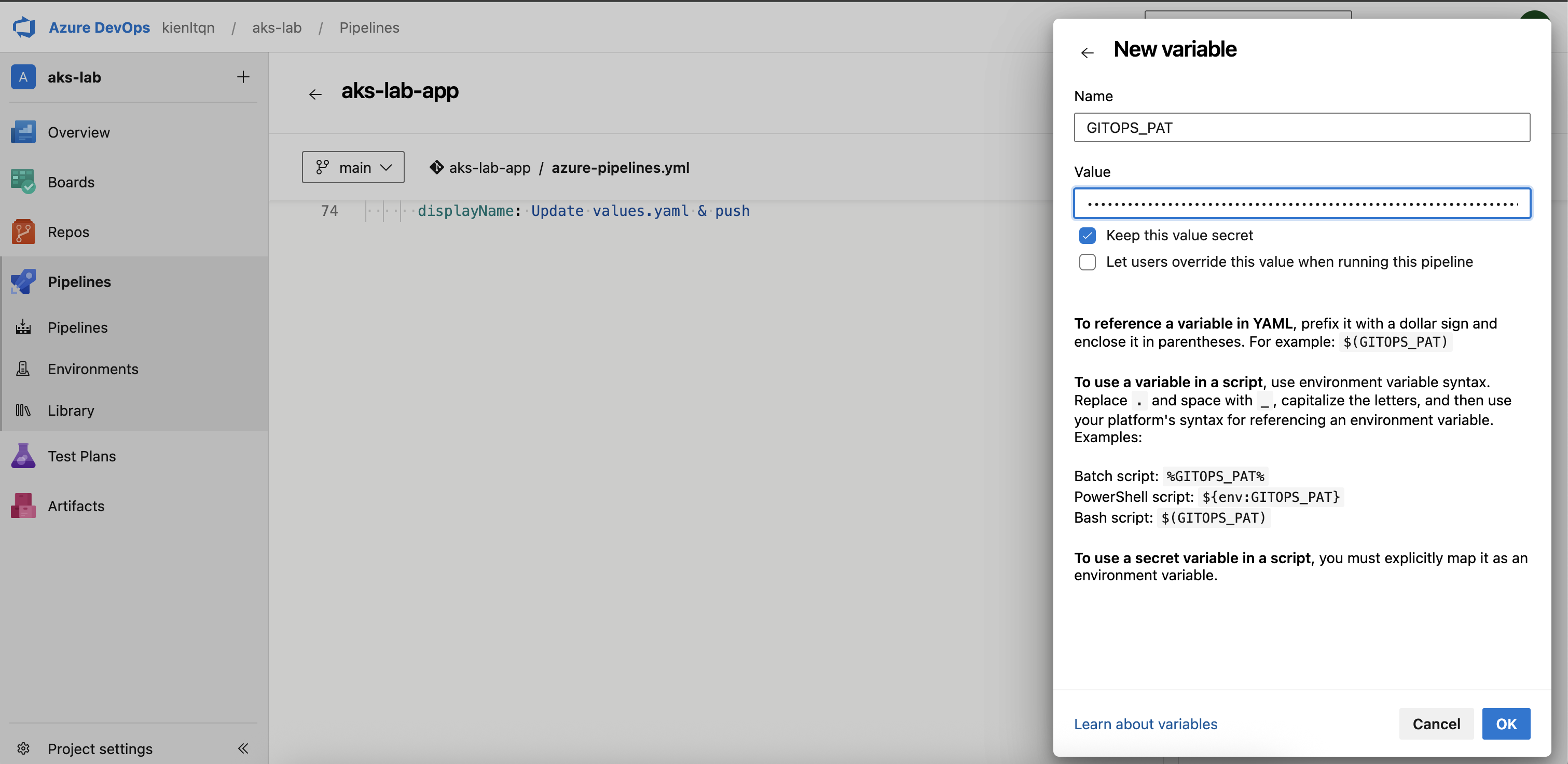
Yeah, god damn it!!!
Starting: Update values.yaml & push
==============================================================================
Task         : Bash
Description  : Run a Bash script on macOS, Linux, or Windows
Version      : 3.268.1
Author       : Microsoft Corporation
Help         : https://docs.microsoft.com/azure/devops/pipelines/tasks/utility/bash
==============================================================================
Generating script.
========================== Starting Command Output ===========================
/bin/bash /Users/kienlt/azp-agent/_work/_temp/3651f932-ea84-4340-bf3c-573b2d13a766.sh
PAT length: 84
Cloning into 'gitops'...
/Users/kienlt/azp-agent/_work/_temp/3651f932-ea84-4340-bf3c-573b2d13a766.sh: line 12: yq: command not found

##[error]Bash exited with code '127'.
Finishing: Update values.yaml & push
Time to install yq in my local Mac brew install yq. Remember to delete the environment we created in the previous step!
Yayyy, finally
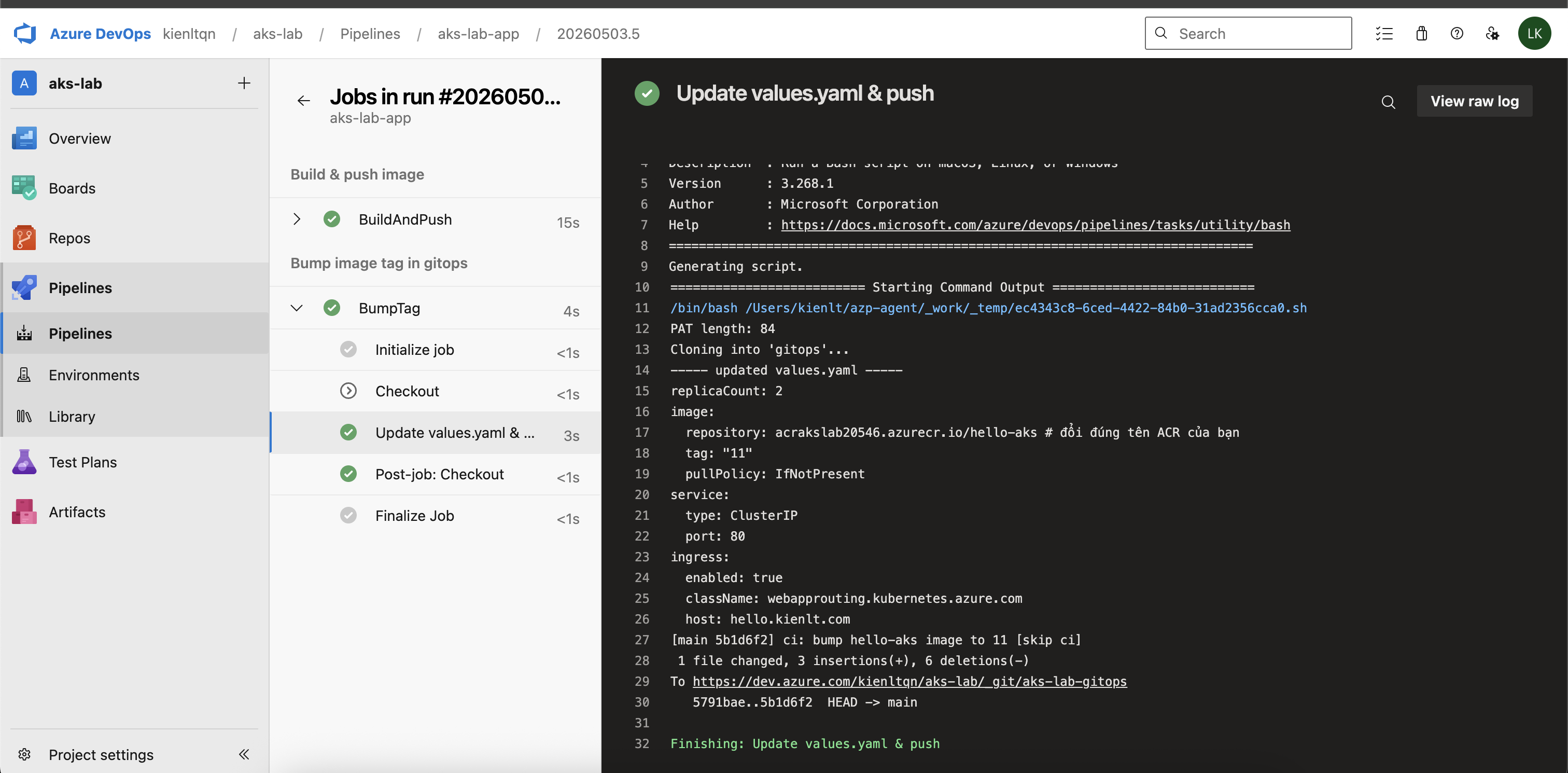
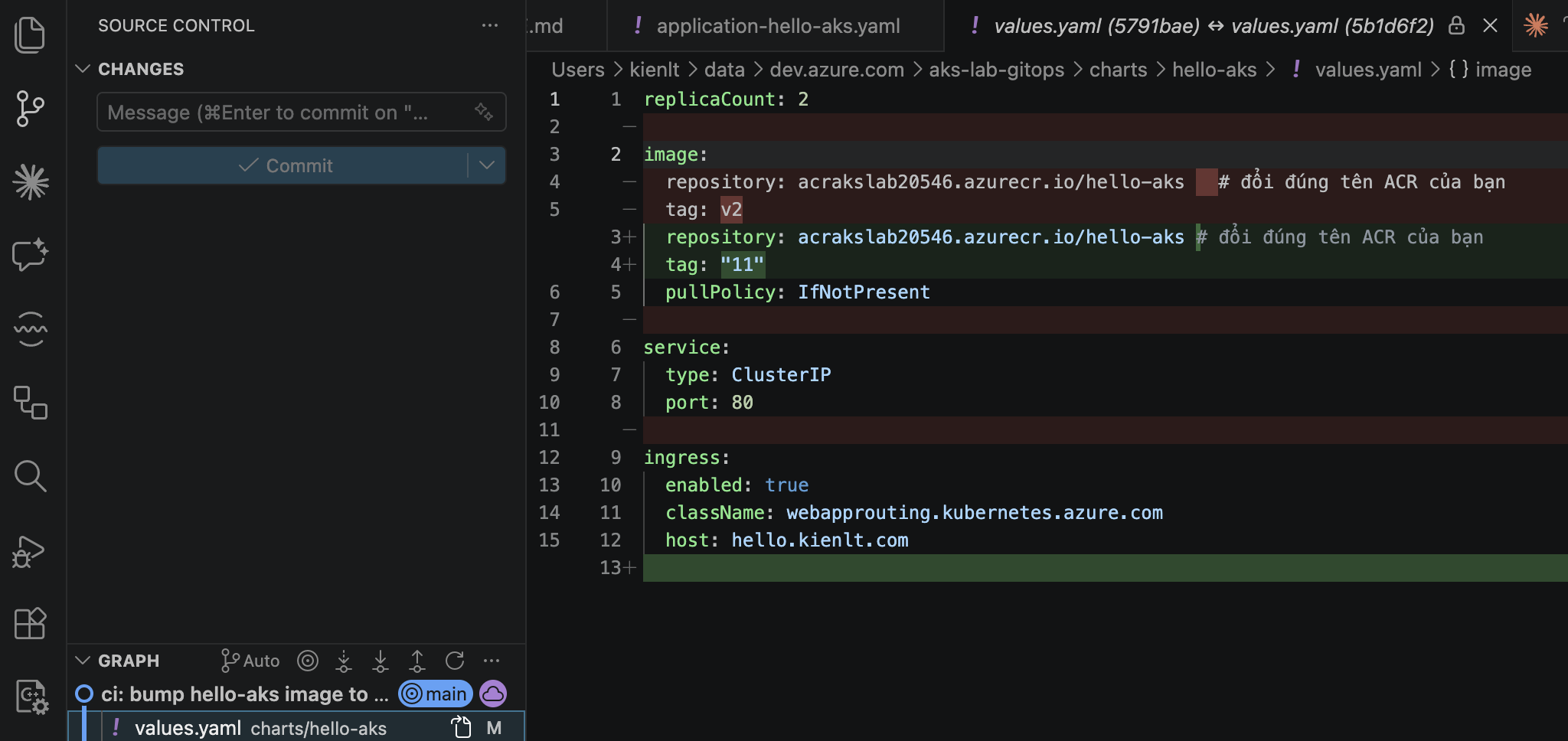
Verify in Gitops Repo
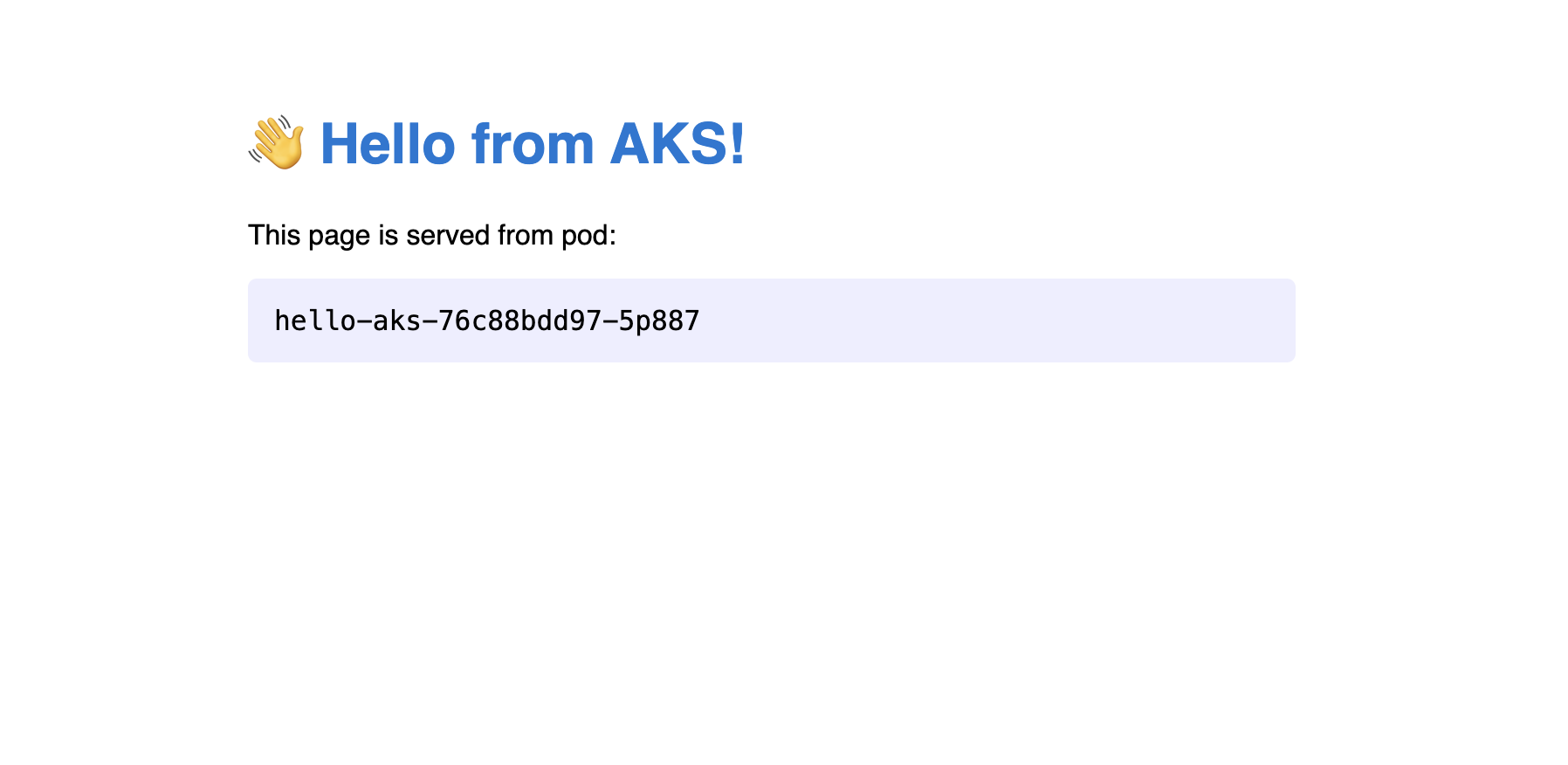
View via domain
Conclusion
If possible, I'd recommend GitHub Actions or GitLab Runners over Azure DevOps. It feels unnecessarily complex to me!
But good to know how it works when you have to use it, especially for Azure's ecosystem!
Cleanup
- Delete resource group:
az group delete -n rg-aks-lab --yes --no-wait
- Stop self-hosted agent
- Revoke PATs